
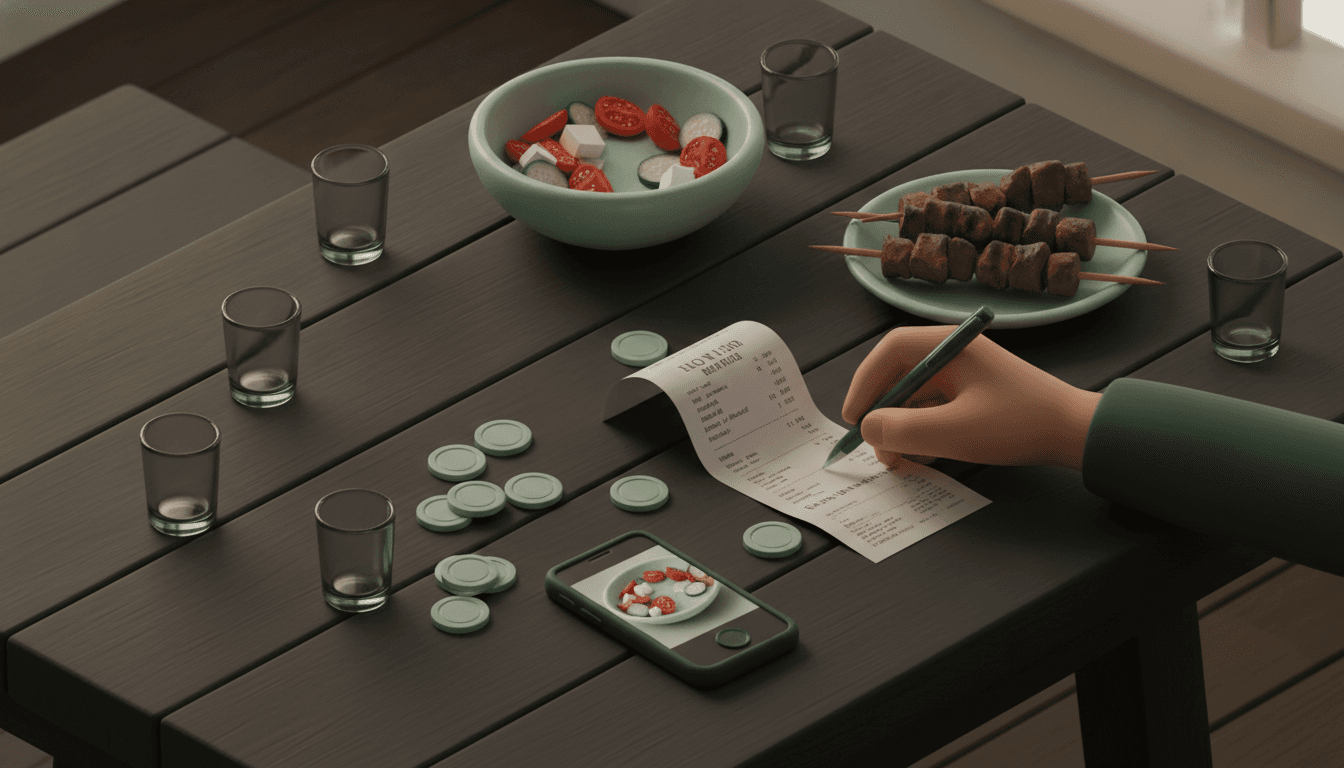
レストランの割り勘
居酒屋の会計を品目別に割り勘する方法、均等割り勘を避けるべき理由
居酒屋の会計を公平に割り勘する方法:個別の品目を分け、おつまみやチップを按分するコツ。12,000円のレシートを例に計算式を解説します。
1 分で読めます
- 割り勘
- 会計
- 割り勘
7 ページ中 3 ページ目
居酒屋の会計を公平に割り勘する方法:個別の品目を分け、おつまみやチップを按分するコツ。12,000円のレシートを例に計算式を解説します。
Tricountの使い方をステップごとに解説。家賃や毎月の光熱費の割り勘に本当に向いているのか、費用や機能の限界まで本音で紹介します。
複数人で支払った支出をTricountにどう入力する?「支払った人」欄には1人しか選べません。2分で正しい残高にする2つの方法を解説します。

カップルでの旅行費用を割り勘するアプリの選び方。外貨対応、支払い用リンク、正確な計算など、出発前に確認すべき6つのポイントを解説します。

Splitwiseの無料プランの制限に引っかかりましたか?旅行、ルームメイト、ディナーなど、用途に合わせた最適なSplitwiseの代替アプリを比較して選びましょう。
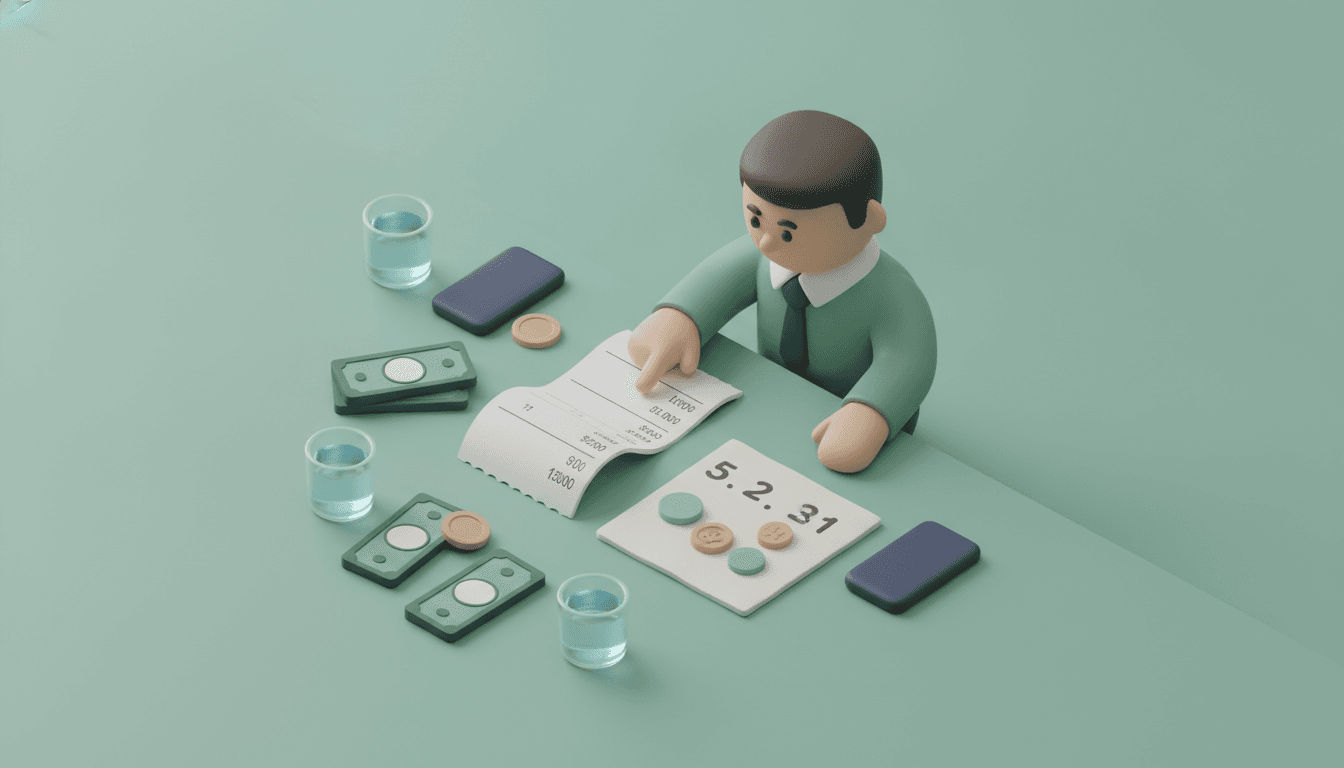
割り勘計算を均等・傾斜・立替の3パターンで解説。役職比率の相場、端数の丸め方、税・サ込みの落とし穴まで実例付き。幹事が赤字を出さない手順を確認してください。
ルームメイトとの生活費分担で揉めるのはもう終わり。家賃や光熱費を公平に割り勘し、アプリのインストール不要で誰がいくら払うべきかを明確に精算する方法を解説します。

割り勘サイトの選び方と使い方を比較解説。傾斜配分・端数処理・立替相殺まで対応し、アプリ不要・永久無料で使えるツールの違いを具体例つきで紹介します。
フリーランス・個人事業主向けに、シェアハウスの家賃を経費にする按分計算の方法を解説します。個室契約型とルームシェア型、それぞれの計算式・仕訳処理・税務調査に備える証拠書類の揃え方まで具体例つきで紹介します。読めば自分のケースで家賃の何%を経費にできるか分かります。
2026年版の割り勘アプリおすすめ比較。Splitwise、Tricount、Splid、Cumbucaを徹底比較し、気まずさゼロで精算できる最適なアプリを見つけます。
レシートを撮影するだけで割り勘を自動計算する仕組みと手順を解説。OCRの誤読対策やアプリ比較も紹介。Split The Billなら登録不要・永久無料で今すぐ精算できます。

同棲の家賃折半は本当に公平なのでしょうか。手取り収入に差があるカップル向けに、完全折半・収入比・費目分担・共通口座という4つの分担方法と家賃相場の目安、もめない管理手順を具体的な数字とシミュレーション表で解説します。無料で続けられる管理のコツも紹介。


