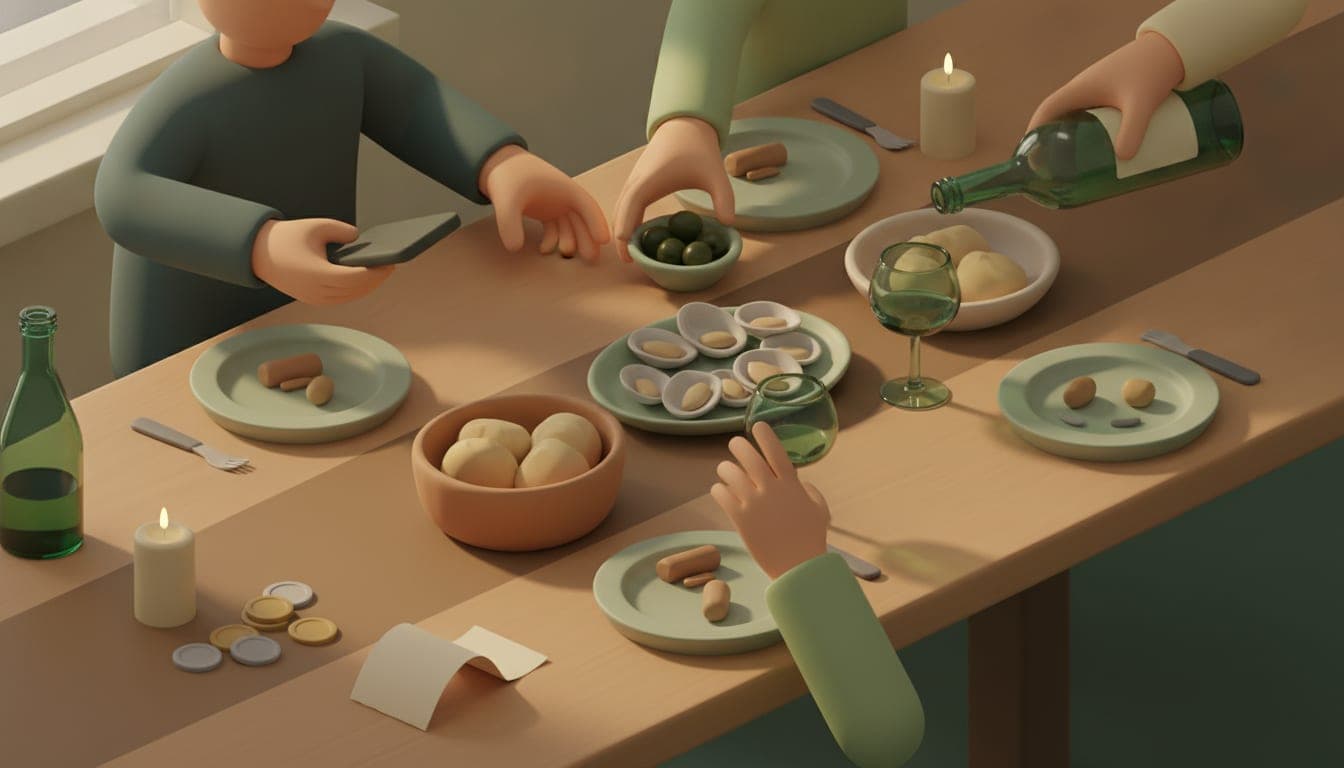
The whole table orders from one shared link.
Scan the menu once, share a link, and let everyone pick their own food on their own phone. The order comes together by itself, then show the waiter one simple page.
Free to start. The people you share with never need an account.
Scan a menu once, then share the link with the whole table. Everyone opens it on their own phone, picks their own food, and sees what they personally owe before anything is ordered. The order comes together by itself, then show the waiter one simple page listing who wants what.
How it works
- 1
Scan the menu once
Take a photo, pick one from your library, or scan a QR code. Check it over and fix anything before you share it.
- 2
Share one link with the table
Send the link however you like: copy it, share it, show a QR code, or send it to a friend or group in the app. Everyone opens it and starts picking their own food — no account, no download needed.
- 3
Show the waiter one page
Show them a simple page listing who ordered what. Ordering more later? Just add it and show them again.
What you get
Everyone orders at the same time
Instead of one person reading the menu aloud and writing it all down, everyone picks their own food on their own phone.
A simple page for the waiter
Shows who ordered what, so nothing gets mixed up. No pointing, no guessing, no repeating yourself.
Order in rounds, no repeats
Order more as the meal goes on. The waiter only sees what’s new, not the whole meal again.
No installs for anyone joining
Guests open the link and start picking right away. No account, no app to install, no email needed.
Get everyone’s order right the first time
Scan a menu, share it with the table, and let everyone see what they’re ordering and what it costs — before the bill arrives.
Start a group orderFree to start. The people you share with never need an account.
Where it earns its keep
A table of eight ordering at once
Instead of one person reading the menu aloud and writing it all down, everyone picks their own food on their own phone.
A group that arrives in waves
Early arrivals order first; later arrivals add to the same order. The waiter always sees just the newest round, not the whole meal again.
Dinner abroad with no shared language
The menu is handwritten and the waiter doesn’t speak your language. Everyone orders in their own language, and the waiter sees it in theirs.
The friend who is watching their spending
They see their own total as they choose and can swap a dish quietly before committing, instead of doing the math in their head when the bill arrives.
Why this beats shouting orders across the table
One link, no installs for guests
The people you’re eating with just open a link and start picking. No account, no app to install, no email address needed.
Nothing gets lost between the table and the kitchen
The waiter sees the order written out in their own language, so mishearing and mispronouncing dish names stop being a problem.
Nothing gets mixed up between orders
The waiter sees who ordered what, round by round, so a new drink added later doesn’t get confused with what was already served.
The order turns straight into a bill
When the meal ends, turn the order into a bill with one tap. It already knows what everyone chose, and you can still add anything else.
Shouting orders vs. a shared menu link
This is what most tables already do without an app. The difference is everyone works from one order instead of a napkin and a good memory.
| Shouting orders vs. a shared menu link | ✗ | ✓ |
|---|---|---|
| Collecting what everyone wants | One person takes orders out loud around the table and writes them on a napkin. | Everyone picks on their own phone and the order comes together by itself. |
| Telling the waiter | Reading a list aloud, repeating dish names, hoping nothing gets missed. | Show them a simple page listing who wants what, in their language. |
| Ordering a second round | Flagging the waiter down again and re-explaining who wants what. | Add to the same order; the waiter only sees what’s new. |
| People arriving late | Catching them up out loud on what has already been ordered. | They open the same link and add their own food to the order. |
Questions
- Do my guests need an account to join the order?
- No. Anyone with the link can open the menu, pick their food and see their own total without signing up. Only the person who scans and shares the menu needs an account.
- Does this send the order to the restaurant?
- No. We show you a simple page with your table’s order, in the restaurant’s language, and you show that to a waiter yourself. A real person still takes your order.
- How do I get the link to the rest of the table?
- Send it however suits you: copy it, use your phone’s share menu, show a QR code, or send it to a friend or group inside the app.
- Can we order in several rounds?
- Yes. Order more whenever you like during the meal, and show the waiter the new page each time instead of repeating the whole order.
- How many people can join one order?
- The free plan covers a small table. Pro lets bigger groups order together.
- How long does the shared link stay open?
- A few hours by default, since a menu link that anyone can add to shouldn’t stay open forever. Pro lets you choose a longer window and extend it if dinner runs late.
- What happens to the order after everyone has eaten?
- Turn it into a bill with one tap. It already knows who chose what, and it’s always editable afterwards.
- Can I ask for changes to a dish, like no onions?
- Not yet. You can pick dishes and how many of each, but special requests still need to go through the waiter as usual.
- How many pages can one menu have?
- Up to 8. Add them from the camera or your photo library and they’re read together as one menu.
- What if the menu doesn’t show a currency?
- We don’t guess. If no currency is printed on the menu, the app asks you which one it is before anyone orders from it.
- What does the waiter’s page show?
- Each person and what they ordered. It opens on what’s new this round, with a tab for the whole order. When you tap Order done in the app, the next round starts fresh. The page is read-only, so nobody can change the order from it.