
Splitting travel expenses without downloading an app: 8 checks
Split expenses without downloading a travel app: 8 checks for tolls, fuel, groceries, and dinners, with final settlements in just a few Pix transfers.
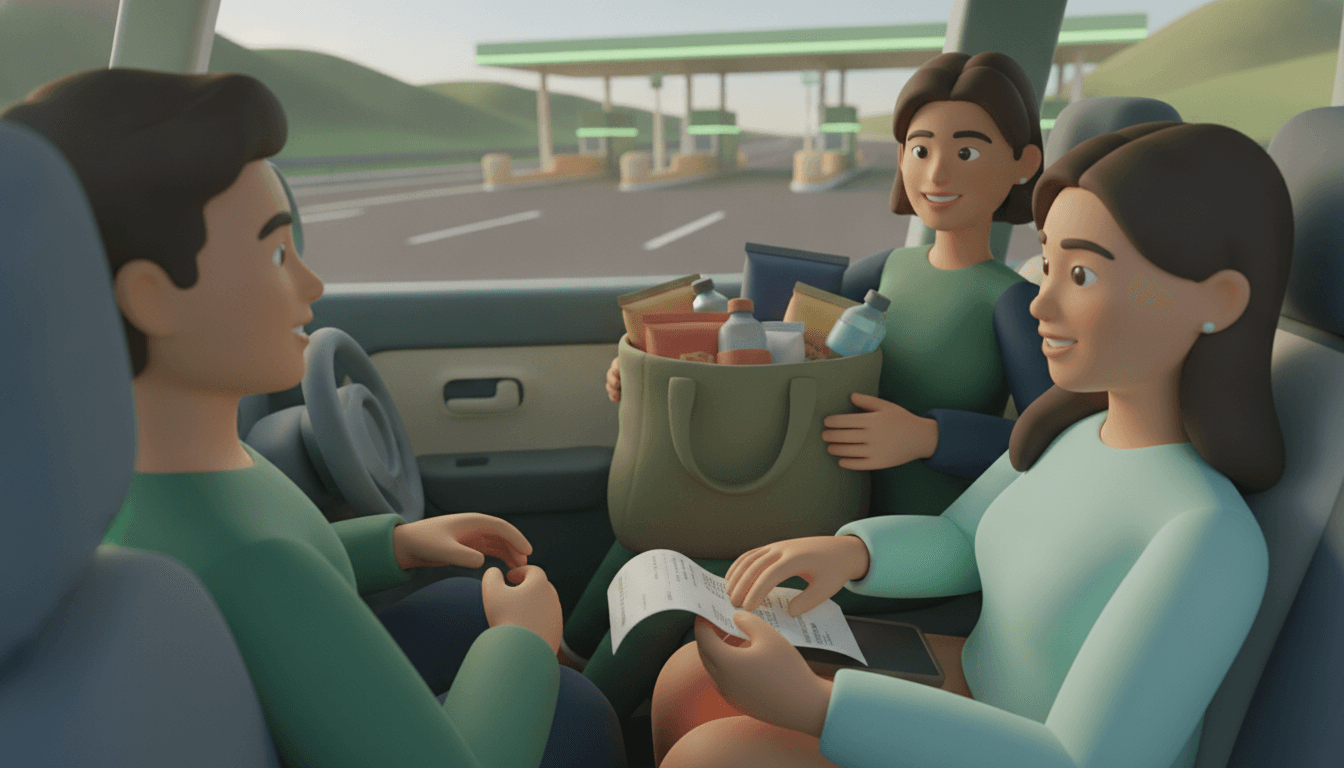
To split a bill without downloading an app during a group trip, all you need is a private link opened in a browser: the organizer enters tolls, fuel, groceries, and dinners on the spot, and each friend sees their own balance without installing anything or creating a password. In the end, settling up takes just a few Pix transfers.
The problem is rarely the bill itself. It is the friend who says they will "check later," the lost screenshot in WhatsApp, and the debate over who ordered the wine. The 8 checks below solve this before it turns into a fight.
Key takeaways
- A group of N people can clear all balances with at most N − 1 transfers; on a trip with 4 friends, this means up to 3 Pix transfers in total.
- The NFC-e QR Code printed on receipts at gas stations, supermarkets, and restaurants leads to the official state tax authority portal containing the items and total, eliminating the need to type out the receipt.
- The 10% service charge in restaurants is optional in Brazil and should be listed separately from the dishes, to be split only by those who agree to pay it.
- Tolls charged via electronic tags arrive on the bill days later; logging the amount at the moment of passage prevents the expense from being forgotten during settlement.
- Deterministic splitting (exact sums and proportions) yields the same result every time; AI should only be used to read a receipt photo, never to estimate who owes how much.
What to set up before leaving to split expenses without an app?
Two things need to exist before the first kilometer: the group created with all names and the private link already sent to the trip's WhatsApp chat. If the link only arrives on Sunday night, nobody checks anything in real time and distrust appears at settlement time.
Check 1: create the group and send the link before the trip
Register all travelers in the group and share the private link the day before. Whoever receives it opens it in their mobile browser, with no downloads and no registration, so there is no excuse of "I don't have storage space on my phone."
On Split The Bill, the organizer sets up the group and the other participants follow along via the link. Two taps. No menus to learn. If you want to understand the differences between tools that work this way, we have a comparison of no-app split sites detailing the pros and cons of each.
Check 2: agree on the splitting rule and the currency
Decide within the group what is split equally versus by consumption, and which currency serves as the baseline. Agreeing beforehand costs one message; agreeing afterward costs an argument.
One rule that works well for weekends:
- Equally among everyone: rented house, shared groceries, cooking gas.
- By car: fuel and tolls, split only among those inside each vehicle.
- By item: dinners and bars, when there is a significant difference in consumption (someone doesn't drink, someone orders an expensive dish).
If the trip crosses borders, log each expense in the currency in which it was charged. Multi-currency splitting avoids mental conversion, which always rounds up in someone's favor.
How to log tolls and fuel without starting an argument?
Tolls and fuel are the most forgotten expenses because they disappear onto the driver's credit card. The rule is simple: log them at the gas station or toll plaza, with the exact amount and tagging only the passengers of that car. Five minutes of delay turns into three days of "how much was it again?"
Check 3: log fuel at the station, with the receipt
Record each refuel on the spot, preferably by scanning the gas station receipt's QR Code. The exact amount comes through and it leaves visible proof for the group, without blurry screenshot photos.
If the trip has two cars, each refuel goes only to the occupants of the refueled car. It sounds obvious, but it is a classic mistake: four people in Bruno's car end up paying part of the gas for Ana's car, which only had two people in it.
Check 4: log the toll at the moment of passage, not on the bill
Enter each toll plaza at the exact moment you pass through, even if the charge comes via electronic tag. The tag bills days later, often bundled with other trips, and then no one remembers which plaza belonged to the vacation.
A practical trick: whoever sits in the passenger seat is responsible for entering road expenses. The driver drives, the co-pilot logs. No one touches their phone while driving.
| Expense | When to log | Who splits | Most common mistake |
|---|---|---|---|
| Fuel | At the station, with the receipt QR | Occupants of that car | Splitting among all cars |
| Tag toll | When passing the plaza | Occupants of that car | Waiting for the statement to arrive |
| Cash toll | At the time of passage, with receipt | Occupants of that car | Losing the paper receipt |
| Parking | Upon exit | Occupants of that car | Forgetting the beach parking ticket |
What to check on grocery and restaurant receipts?
Grocery receipts and restaurant bills require different care. At the grocery store, the risk is mixing personal purchases with group items. At a restaurant, it is throwing the service charge, cover charge, and one person's drinks into the general split. Checking the scanned total against the printed total resolves half the problems.
Check 5: separate personal items from the group purchase
On the grocery receipt, remove items that only one person will use from the split: their sunscreen, his non-alcoholic beer, the wine someone brought as a gift. A personal item of $40 split four ways seems small, but three or four of these per day add up and breed silent resentment.
An even faster way is to scan the NFC-e QR Code. It points to the official tax portal with each item, quantity, and value, allowing Split The Bill to import the entire list so you can simply uncheck what is personal. When a receipt lacks a QR code (an old slip, a kiosk tab), AI photo scanning (OCR) reads the receipt. In that case, it is worth checking the scanned total against the printed total, because crumpled paper and faded thermal ink can fool any reader.
Check 6: split dinner by item and treat the 10% separately
Enter dishes per person, appetizers among those who ate them, and the 10% service charge as a separate line. The tip is optional, and the artistic cover charge is usually a fixed amount per person: mixing both with the dishes skews the split.
The method that works at the table:
- Assign each main dish and drink to the person who consumed it.
- Split appetizers and shared portions only among those who snacked.
- Apply the 10% tip proportionally to each person's consumption, if the group agrees to pay it.
- Add the cover charge per person present.
- Check whether the app's total matches the bill total, cent for cent.
The wine situation is the most classic: the $120 bottle goes only to the three who drank it, and the friend who stuck to juice subsidizes no one. We detail this step-by-step in splitting the bar tab by item rather than equally, with bar and restaurant examples.
One detail that matters: on Split The Bill, AI only reads the receipt. Figuring out who owes what is deterministic math; the exact same sum always yields the exact same result. No estimates. No tricks.
How to check balances and settle with the fewest Pix transfers?
Each person's balance is what they paid minus their consumed share. Whoever has a positive balance receives funds; whoever has a negative balance pays. By compensating among participants, a group of N people wraps everything up in at most N − 1 transfers, instead of everyone paying everyone else.
Check 7: check everyone's balance before heading back
Open the group balance on the final day, while still together, and ask everyone to check their own line. An error discovered at the breakfast table is fixed in a minute; an error discovered via text message on Tuesday turns into a three-minute audio clip.
Here is an example of a weekend getaway with four friends, keeping everything equal for simplicity:
| Person | Paid | Share ($860 ÷ 4) | Balance |
|---|---|---|---|
| Ana (fuel + tolls) | $368 | $215 | + $153 |
| Bruno (groceries) | $212 | $215 | − $3 |
| Carla (dinner) | $280 | $215 | + $65 |
| Diego (nothing) | $0 | $215 | − $215 |
Notice that the sum of the balances equals zero: + $218 on one side, − $218 on the other. If it does not equal zero, there is a duplicate or missing entry. It is the fastest check that exists.
Check 8: settle with simplified transfers and mark them as paid
Use the transfers suggested by the balancing algorithm and mark each payment as settled in the group. In the example above, the settlement closes in 3 transfers: Diego sends $153 to Ana and $62 to Carla, and Bruno sends $3 to Carla. Without compensation, there would be more cross-transfers and a higher chance of someone paying twice.
The Pix system operates 24 hours a day, every day, as described in the Central Bank Pix regulations, so there is no reason to postpone settling until "paycheck day." Send the request for the exact amount via the group link and mark it as paid as soon as the receipt arrives. For longer trips with lodging and tours, it is worth reading our article on shared travel money.
What are the 3 points that prevent bringing travel debt home?
Out of the 8 checks, three determine whether the trip ends with a clean slate or dragged-out debts: the link sent before leaving, logging expenses at the moment they occur, and checking balances while still at the destination. If the group only does these three, the rest sorts itself out.
- Private link in the group chat before the trip. Nobody installs anything, everyone sees the exact same numbers, and the phrase "I didn't know" ceases to exist.
- Logging expenses at the moment they occur. Tolls, gas stations, and supermarkets recorded on the spot, with receipt QR codes when available; an expense logged later is a forgotten expense.
- Balances checked and payments made before leaving. The sum of the balances must equal zero, and settling in up to N − 1 transfers wraps up the trip right there on Sunday.
The rest (currency, car rules, wine kept out of the general pool) prevents friction. These three prevent debt.
Frequently asked questions
Do friends need to create an account to view the split?
No. Whoever receives the private link opens the breakdown directly in their mobile browser, with no downloads, registration, or passwords required. Only the organizer needs to manage the group. If you want other ways of doing this, we have an article on splitting expenses without registration.
Is the split calculated by artificial intelligence?
No. AI is only used in photo scanning, to read items from a receipt that lacks a QR code. The calculation of who owes what is deterministic math, and reading the NFC-e QR code does not even use OCR because the data comes directly from the official tax system lookup.
How many transfers does a group of 6 people need to make to settle up?
At most 5, following the rule of N − 1 transfers for N participants. Often it is even fewer when two balances cancel each other out entirely. Without compensation, the same group could end up with numerous cross-transfers between pairs.
What if someone pays their share in cash?
Log the payment in the group as a settlement for the amount received, just like a digital transfer. That person's balance updates for everyone following the link. Without this record, the cash disappears from the ledger and the friend risks being billed twice.
Create the group link before hitting the road
Before your next trip, do just this: create the group with everyone's names, agree on the car and item rules in a single message, and send the link to the trip's WhatsApp chat. On the road, the co-pilot logs tolls and gas stops. At the supermarket and restaurant, scan the receipt QR code. On the final day, check that the balances add up to zero and send out the payments.
Split The Bill handles this through your browser on the Free plan, featuring tax QR code scanning, receipt scanning, and simplified settlements without requiring anyone to download anything. Create the group for your next trip and send the link. Thirty seconds. No one comes home owing money.
Quick FAQ
Do friends need to create an account to view the split?
No. Whoever receives the private link opens the breakdown directly in their mobile browser, with no downloads, registration, or passwords required. Only the organizer needs to manage the group. If you want other ways of doing this, we have an article on [splitting expenses without registration](https://split-the-bill.app/blog/split-expenses-without-registration-a-practical-guide).
Is the split calculated by artificial intelligence?
No. AI is only used in photo scanning, to read items from a receipt that lacks a QR code. The calculation of who owes what is deterministic math, and reading the NFC-e QR code does not even use OCR because the data comes directly from the official tax system lookup.
How many transfers does a group of 6 people need to make to settle up?
At most 5, following the rule of N − 1 transfers for N participants. Often it is even fewer when two balances cancel each other out entirely. Without compensation, the same group could end up with numerous cross-transfers between pairs.
What if someone pays their share in cash?
Log the payment in the group as a settlement for the amount received, just like a digital transfer. That person's balance updates for everyone following the link. Without this record, the cash disappears from the ledger and the friend risks being billed twice.
Try Split The Bill — free
10 receipt-scanned bills/month, recurring expenses, multi-currency, and settle-up via Venmo / PayPal / Revolut.
Create a free accountRelated posts
8 checks for calculating petrol costs and splitting them fairly without shortchanging the driver
Learn how to calculate petrol costs and split expenses using 8 essential checks. From distance and fuel efficiency to toll reimbursements and driver discounts.
- Travel
- Expenses
- Splitting

Travel Expense Splitting App in 2026
Compare the best travel expense splitting apps in 2026: foreign currency, offline mode, and apps that don't require friend registration. See which one to choose.
- Apps
- Travel
- Expenses

Household Expense Split Calculator: 64/36
Fair household expense splitting using a calculator: formula, sample table with 3,200 € and 1,800 € net, and the marginal job edge case. Recalculate now.
- Kosten
- Aufteilen
- Expenses