What is a free invoicing app for sole proprietors? Testing one with a real invoice
How sole proprietors should choose a free invoicing app, shown with a ¥100,000 pre-tax example. Check that it correctly calculates ¥10,000 consumption tax, ¥10,210 withholding and a ¥99,790 payment.
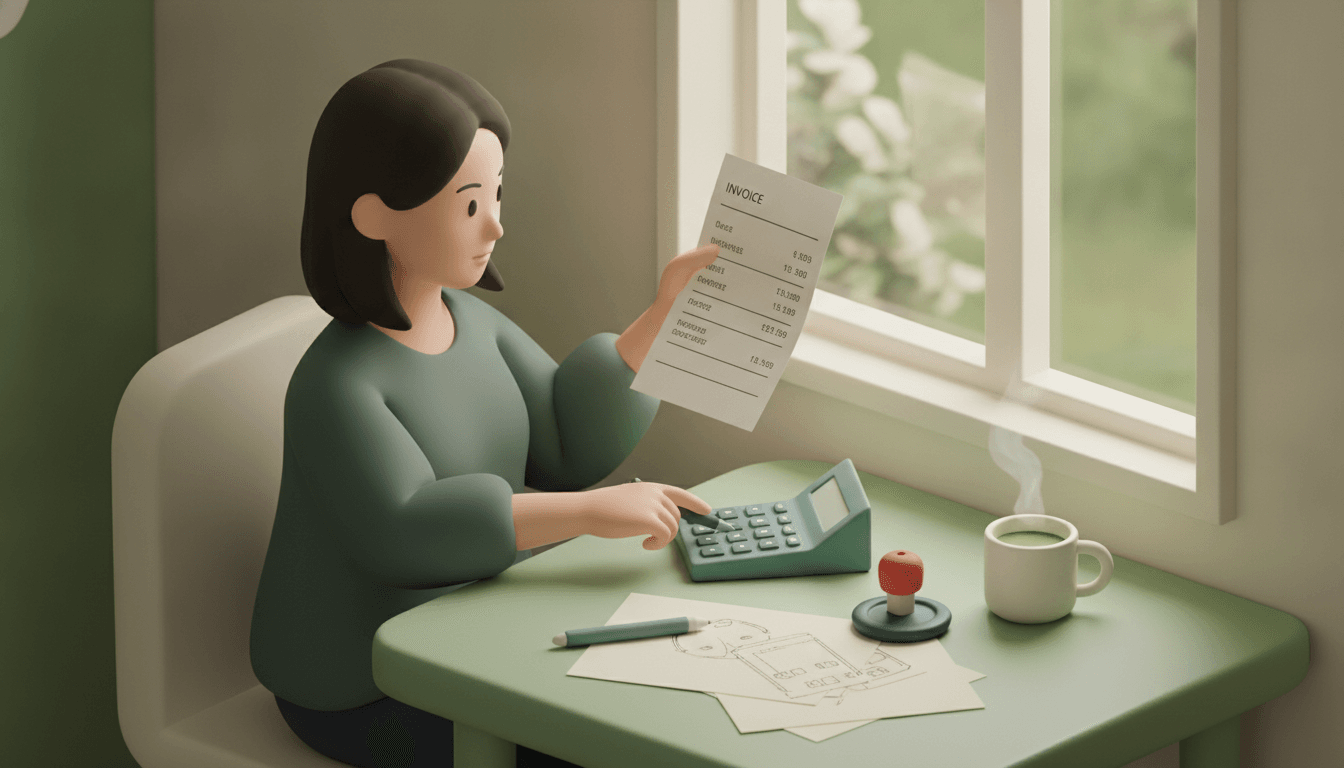
A free invoicing app for sole proprietors is a tool that lets you enter just the client, item and amount, then turns that into a PDF invoice with consumption tax and withholding tax calculated, ready to send. When choosing one, what matters is not how many invoices the free tier allows but whether the calculations come out right every time.
As an example, take a pre-tax fee of ¥100,000. Consumption tax is ¥10,000. Withholding tax at 10.21% is ¥10,210. The amount paid to you is ¥99,790. Whichever app you use to create this one invoice, it has to produce the same numbers.
Key takeaways
- On a qualified invoice, consumption tax is rounded only once per invoice for each tax rate. Rounding item by item and adding the results is not allowed.
- When a fee exceeds ¥1 million, the withholding rate on the portion above that rises to 20.42%. On ¥1.5 million, withholding is ¥204,200.
- From 1 October 2026, the share of consumption tax paid to tax-exempt businesses that clients can deduct dropped from 80% to 50%.
- Even if an app has a field for a registration number, you cannot issue qualified invoices unless you have registered as a qualified invoice issuer at the tax office.
What does a free invoicing app do automatically?
A free invoicing app mainly does four things. It calculates consumption tax by tax rate, calculates withholding tax, generates a PDF, and sends it by email or shared link. In Excel you build the formulas yourself, but with an app, once you've registered a client and items, every invoice after the first takes a minute or two.
What "free" covers varies a lot between apps
What "free" means differs widely. Here are the free tiers of the main services.
| Service | Free plan issuing limit | Best for |
|---|---|---|
| freee Invoice | Unlimited invoices and clients | People who use freee Accounting |
| INVOY | Unlimited invoices (postal mailing service is paid) | People who want to create everything from quotes to receipts in one place |
| Misoca | Up to 10 per month | People who use Yayoi accounting software |
| Seikyusho FinFin | Up to 10 per month | People who want to do everything on a smartphone |
| Money Forward Cloud Invoice | Up to 5 per month | People who want to link with MF's tax return software |
Integration with accounting software is strongest with the invoicing app from the same company. If you've already settled on tax return software, choosing the same family makes reconciling receivables easier. That's worth admitting honestly.
Postal mailing of paper invoices costs around ¥180–200 per letter in actual fees with every service. Sending PDFs by email alone is free.
Calculations should follow a fixed formula, not an estimate
Invoice figures can't be an AI's "roughly right". The same input must give the same result every time. That's the minimum requirement. The same goes for splitting bills: working out who pays whom how much causes no arguments because the formula is fixed.
What six items does an invoice need under the Invoice System?
A qualified invoice needs six items. They are the registration number (T plus 13 digits) and name, the transaction date, the description of the transaction, the total consideration and applicable rate for each tax rate, the consumption tax amount for each tax rate, and the name of the recipient. If even one is missing, your client cannot claim the input tax credit.
- Issuer's name and registration number
- Transaction date
- Description of the transaction (noting any items subject to the reduced tax rate)
- Total consideration separated by tax rate, and the applicable tax rate
- Consumption tax amount separated by tax rate
- Name of the business receiving the invoice
The official explanation of the requirements is on the National Tax Agency's Invoice System site.
Items 4 and 5 are the easiest to overlook. If you put a design fee (10%) and the cost of food and drink at a meeting (8%) on the same invoice, you need to show separate subtotals and tax amounts for 10% and 8%. When trying out an app, enter two lines with different tax rates. If the subtotals split by rate automatically, it passes.
How much is withheld and paid on a ¥100,000 pre-tax invoice?
For a ¥100,000 pre-tax design fee, the amount paid is ¥99,790: the invoiced ¥110,000 minus ¥10,210 withholding tax. If consumption tax is clearly separated on the invoice, withholding can be calculated on the pre-tax amount. That's why no withholding applies to the ¥10,000 consumption tax portion.
| Item | Calculation | Amount |
|---|---|---|
| Fee (pre-tax) | ― | ¥100,000 |
| Consumption tax (10%) | 100,000 × 10% | ¥10,000 |
| Invoiced amount (tax incl.) | 100,000 + 10,000 | ¥110,000 |
| Withholding tax | 100,000 × 10.21% | −¥10,210 |
| Amount paid | 110,000 − 10,210 | ¥99,790 |
10.21% is income tax of 10% plus special reconstruction income tax of 0.21%. Fractions of a yen are rounded down. You can check which fees are covered, such as writing fees, design fees and speaking fees, in the National Tax Agency Tax Answer on withholding for writing and speaking fees.
Above ¥1 million, the rate changes
When a single payment exceeds ¥1 million, the portion above that is taxed at 20.42%. For ¥1,500,000 pre-tax, ¥1 million × 10.21% gives ¥102,100. The excess ¥500,000 × 20.42% gives ¥102,100. The total is ¥204,200.
The most common mistake in hand-built Excel sheets is forgetting these two tiers and applying 10.21% to the whole amount. Enter an amount over ¥1 million in the app and check that it gives ¥204,200.
Some clients don't withhold
Withholding applies when the payer is a withholding agent. If your client is a company, it will generally be deducted. On the other hand, private individuals with no withholding obligation won't deduct it. Ideally, the app lets you switch withholding on or off per client.
How should an invoicing app handle consumption tax rounding?
On an invoice with three items, rounding consumption tax down line by line and adding it up gives ¥5,066. Applying the rate to the total in one go gives ¥5,067. Under the Invoice System, the latter is correct. Rounding is done once per invoice for each tax rate.
Let's look at actual numbers.
- Design work ¥33,333 → line tax ¥3,333
- Revisions ¥12,345 → line tax ¥1,234
- Image assets ¥4,999 → line tax ¥499
The total rounded line by line is ¥5,066. Meanwhile, rounding the pre-tax total ¥50,677 × 10% = ¥5,067.7 down just once gives ¥5,067. The difference is ¥1. Even ¥1 will stop your client's accounts team during reconciliation.
Whether you round down, round to the nearest yen or round up is up to you as the business. What matters is that the method you choose is the same on every invoice. Can you choose the rounding method in the app's settings, and does it calculate on the total rather than per item? The quickest way to check both is to actually enter the three lines above.
What changes when a tax-exempt business uses a free invoicing app?
A tax-exempt business without a registration number cannot issue qualified invoices, even with a free app. What you can create is an ordinary invoice with the registration number field left blank. Withholding calculations are needed whether or not you're registered, so automatic 10.21% calculation remains just as useful.
What changes is the burden on your clients. Even with an invoice that isn't a qualified invoice, transitional measures let clients deduct part of the consumption tax amount. That share was 80% from October 2023 to September 2026. From October 2026 to September 2029, it's 50%. Expect more clients to ask, "Are you going to register?"
There are three things to do in the app.
- Check whether the template can output the registration number field blank, or hide it
- Agree with your clients in advance on how consumption tax is shown (tax-inclusive, or stated separately)
- Once registered, type the T plus 13-digit number you receive into the settings screen (the app doesn't fetch it automatically)
How should you send invoice PDFs, and how many years should you keep them?
Invoices sent as PDFs must be kept in electronic form as electronic transaction data. Printing them and keeping paper copies alone is not enough. The retention period is generally seven years. Qualified invoice issuers also keep copies of the invoices they issue for the same period.
The usual ways to send them are email attachments or shared links. Some people send them via LINE. Any method is fine as long as your client can open the file.
The thing to watch with storage is searchability. The Electronic Books Maintenance Act requires that records can be searched by transaction date, amount and client. If you create invoices in Excel and file them in folders, you'll need to stick to a file naming rule yourself, such as "20261025_[Client] Co., Ltd._110000.pdf". An app that saves automatically to the cloud cuts this work down.
One more thing: you also need either a system that keeps a history of corrections and deletions, or internal administrative rules stating that records won't be altered. The National Tax Agency publishes a template for the latter.
Frequently asked questions
What happens if I hit the free plan limit partway through the month?
Depending on the service, you'll be asked to move to a paid plan, or you won't be able to issue invoices until the next month. If you send 11 or more a month on an app capped at 10, choosing an unlimited app from the start saves you the trouble of switching. It's also reassuring to check before signing up whether past invoice data can be exported as CSV.
What if a client asks me to invoice without withholding?
It's the payer who decides whether to withhold. If the client is an individual with no withholding obligation, following their instruction is fine. If a company says it won't withhold, it may have judged that the type of fee isn't covered. To avoid disputes later, leave a short confirmation by email.
What if I sent an invoice with the wrong amount?
The standard approach is not to edit and overwrite the original invoice but to issue a new, corrected invoice. For qualified invoices, you are required to issue a corrected qualified invoice. If you keep both the original copy and the corrected version, you can explain what happened in a tax audit.
What sole proprietors should test before choosing a free invoicing app
Once you've picked a candidate app, enter the three figures from this article before signing up. ¥100,000 pre-tax should give a payment of ¥99,790. ¥1,500,000 pre-tax should give withholding of ¥204,200. Three line items should give consumption tax of ¥5,067. If all three match, you can trust the calculations.
How many invoices you send a month, and which accounting software you use. Those two questions narrow the candidates down almost completely. If accounting integration is your top priority, using the invoicing app from the same family is the right call.
Split The Bill is a web app that combines creating PDF invoices with settling shared expenses among friends and travel groups. The Free plan is free forever, with no card required. The other person doesn't need to download an app; they just open the shared link in a browser. If you want to manage work invoices and personal things like splitting living costs with a partner you live with in one place, start by creating one invoice. The calculations follow a fixed formula. There's no catch.
Try Split The Bill — free
10 receipt-scanned bills/month, recurring expenses, multi-currency, and settle-up via Venmo / PayPal / Revolut.
Create a free accountRelated posts

Lending a Friend Money? The IOU App Checks to Run First
An IOU app is only useful if the borrower opens it. Run these checks on links, partial repayments and payment buttons before you lend again. Read on.
- comparison
- apps
- App

Run a PayPal Money Pool for a Group Gift, Start to Finish
Is the PayPal money pool back? Yes. Here's how to run a group gift pool, from agreeing the total to closing it, with a worked €250 example. Read on.
- App
- Expenses
- Splitting

Splitting bills as a couple: equally or by income?
Splitting bills as a couple: 50/50 or in proportion to income, worked through on a rent-plus-utilities example, with clear rules for everyday life. Read on.
- Rent
- Utilities
- Kosten