
Recipe
Manage a group kitty without the running tab
Everyone pays into one shared pot up front. Group costs come out of the pot — nobody becomes a creditor mid-trip. At the end, one clean reconciliation refunds (or collects) the difference.
Last reviewed: January 2026

A group kitty — also called a pooled fund, a common pot, or a float — collapses dozens of tiny shared expenses into one contribution and one settle-up. Instead of tracking "Alice paid for the taxi, owes split three ways" on every coffee, round, and market run, everyone chips into a shared pot at the start, spends from it, and reconciles the leftover once at the end. Split The Bill has a kitty built into every group, so the pot balance lives in the app — not a spreadsheet or a shoebox of receipts. This guide walks through creating a kitty, funding it, spending from it, topping it up, and reconciling the leftover fairly.
Step-by-step
- 1
Create the group and open its kitty
Open the app and tap New group → name it after the occasion ("Lisbon May 2026", "Office offsite"). Add everyone who's chipping in by email. People who won't install the app can be added as contacts and settled with later via a share link — they still count in the pot.
On the group page, find the Kitty section (the shared pot, marked with a sparkle). Tap Start a kitty and confirm the currency — it defaults to the group's currency. That creates an empty pot the whole group owns; the running balance shows at the top so anyone can check "how much is left" without asking whoever's holding the cash.
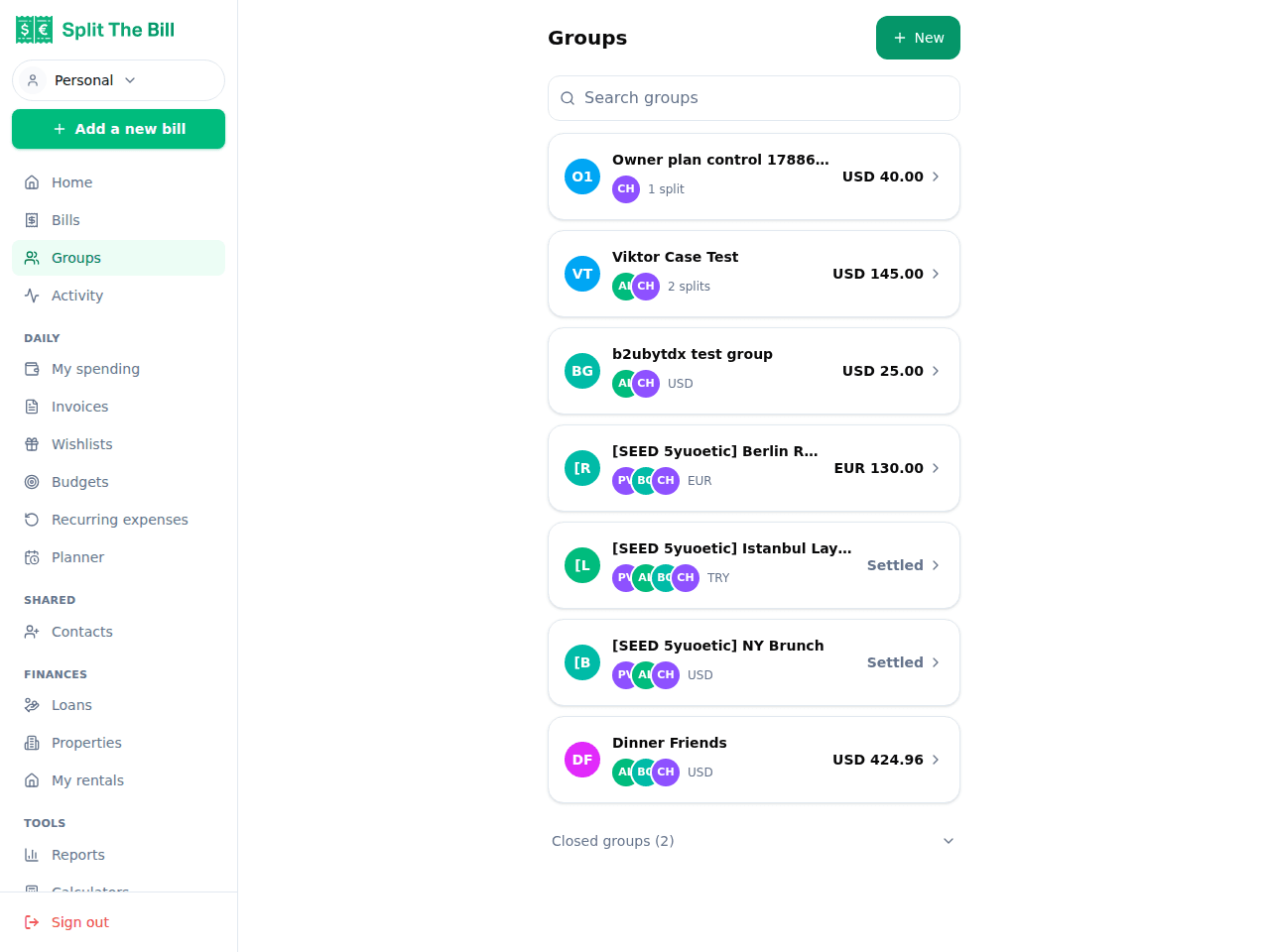
Add everyone chipping in — including contacts not on the app. 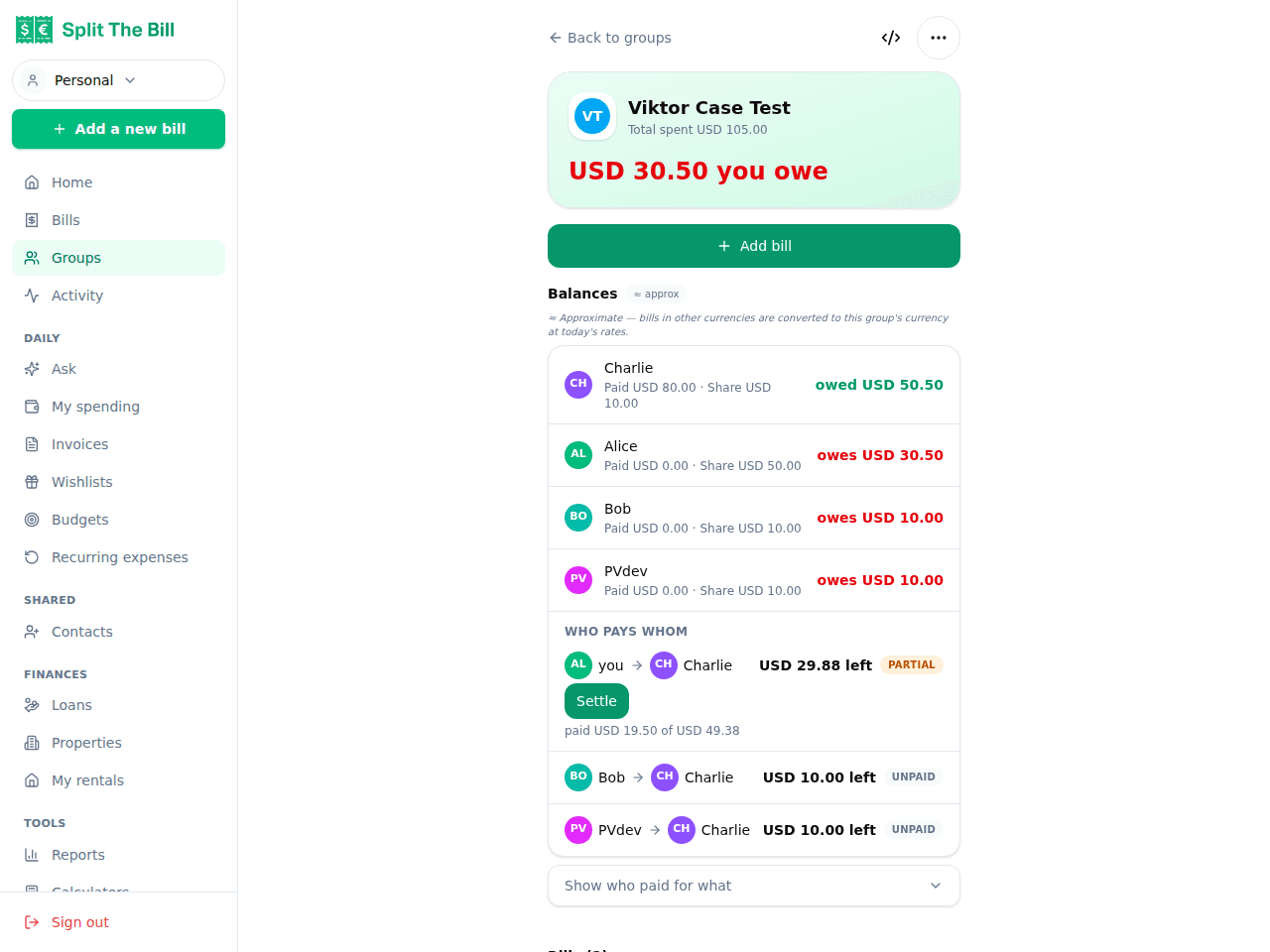
The kitty sits on the group page with a live pot balance. - 2
Seed the pot — record each contribution per person
Decide the seed amount as a *forecast*, not a commitment. Estimate shared spend per person per day (transport, group meals, snacks, tips), multiply by the days, and seed roughly 70-80% of that — you can always top up.
A worked example. Four friends, three days in Lisbon, ~€40/person/day of shared spend → €40 × 3 × 4 = €480. Round to €125 each for a clean €500 pot.
In the kitty, tap Contribute and enter each person's amount (add an optional note like "seed"). Record contributions per person, not just the total — this is what lets the app refund the leftover fairly later. As everyone pays in their €125, the pot balance climbs to €500.
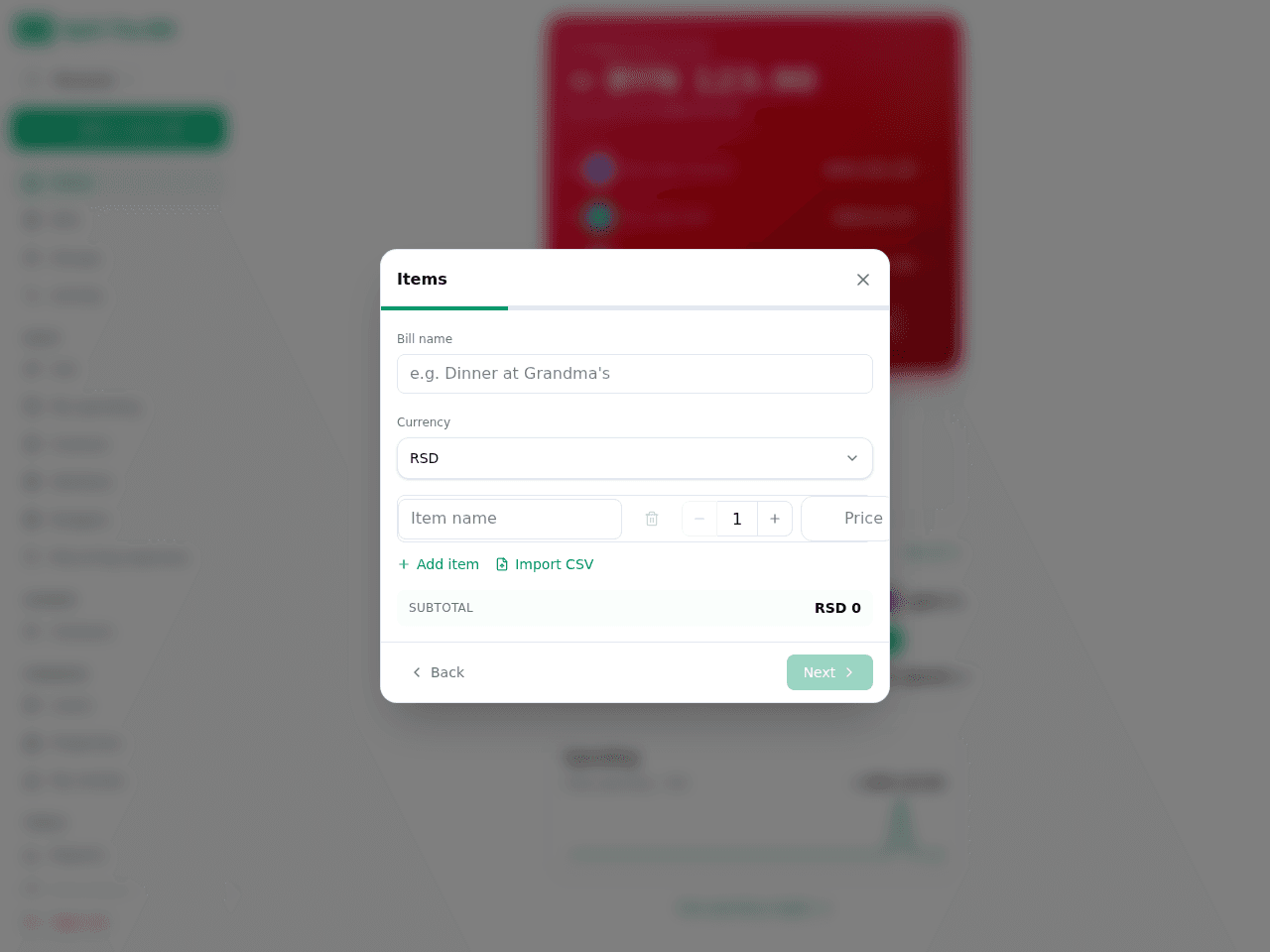
Each contribution is its own line item, tagged to the person who paid it in. - 3
Pay shared costs from the pot, not from a person
The whole point of a kitty is that mid-trip there are no running IOUs between people — there's just one number, the pot balance, ticking down.
When someone buys the group lunch or covers a taxi, log it as a shared bill for the group rather than tracking it as one person owing the others. Snap a photo of the receipt and the AI OCR pulls the total, so logging a spend at the table takes seconds. The person physically holding the cash or the group card is just the custodian — not the creditor.
Keep the kitty for things everyone shares. If only three of you went to the museum, that's a normal split bill among those three — don't drain the common pot for a sub-group cost, or the people who skipped it end up subsidising it.
- 4
Top up when the pot runs low
Running low is normal — it means you seeded conservatively, which is correct. Topping up is deliberately cheap.
Set a threshold, not a zero. Agree up front on a trigger — e.g. "when the kitty drops below €80, everyone adds another €50." That keeps the float ahead of spending instead of chasing it at 11pm with a taxi to pay for.
Top up in even rounds. Each top-up should be the same amount from everyone (unless the group agreed on unequal shares). Even rounds keep the end reconciliation trivial. Record every top-up in the kitty the moment it happens — the failure mode is someone slipping cash in and nobody logging it, so the app balance and the real cash drift apart.
- 5
Reconcile the leftover at the end
This is where the kitty earns its keep — one clean settle-up instead of dozens. It's a subtraction: total in − total spent = leftover.
Worked example, continued. The Lisbon four seeded €500 and topped up once for €200 (€50 each), so €700 went in. Actual shared spend came to €610. Leftover: €90, which refunds evenly at €90 ÷ 4 = €22.50 back to each person.
If everyone contributed equally, the refund is equal. If contributions were uneven, the app refunds proportionally to what each person paid in — because contributions are stored per person, Split The Bill computes each refund itself rather than trusting mental arithmetic. If the pot went negative (spend exceeded contributions), the same math runs in reverse: the shortfall splits across everyone and gets collected in the final settle-up.
When a kitty beats per-expense tracking
Both approaches end at the same place — everyone pays their fair share — but the *effort curve* is completely different.
Use a kitty when spending is high-volume and small-value. A weekend of taxis, coffees, market snacks, entry tickets, and rounds of drinks produces dozens of tiny expenses. Tracking each as "X paid €12, owes split three ways" is exhausting and gets abandoned by day two. A kitty collapses all of that into one contribution and one refund.
Use per-expense tracking when spending is low-volume and high-value. A trip where the only shared costs are the Airbnb, one car rental, and two dinners is better handled as three individual bills — there's nothing to pool.
A hybrid works best on most trips. Run the kitty for the constant drip of shared incidentals — transport, snacks, drinks, tips — and log the big lumpy items (the villa, the boat day, a dinner only some people attended) as individual split bills among exactly who was in. You get the kitty's low overhead where it helps and per-expense precision where it matters.
Running a kitty in multiple currencies
Kitties get messy when contributions and spending are in different currencies. If you seed the pot in your home currency (say EUR) but spend in the local one, a floating exchange rate means the reconciliation number moves every day.
Split The Bill supports multi-currency with a locked FX rate. Lock a rate for the trip so contributions in EUR and spending in the local currency reconcile against one agreed number rather than a rate that drifts. The end-of-trip math stays consistent, and everyone sees the same figure regardless of which currency they paid in.
A custodian holding a stack of local cash plus a card in the home currency is exactly the situation locked FX is for — record what went in, record what was spent, and the pot reconciles against one number instead of a moving target.
Common pitfalls and how to avoid them
Over-seeding the pot. A huge leftover isn't "safe" — it's money the group is tempted to spend just because it exists, and a bigger refund to untangle. Seed 70-80% of expected spend and top up.
Not recording contributions per person. If you only track the pot total and not who paid in, you can't split the leftover fairly when contributions were uneven. Log each contribution as its own line — Split The Bill does this by default.
Letting the app balance and the real cash drift apart. Every top-up and every spend has to be recorded when it happens. A kitty reconciled only from memory at the airport defeats the purpose.
Paying sub-group costs from the pot. The kitty is for things everyone shares. If only half the group went on the wine tour, that's a separate split bill — don't drain the common pot for it.
No named custodian. Someone has to be responsible for the physical cash or the shared card. It doesn't change the math — contributions are still per person — but ambiguity about who's holding the money creates friction.
Frequently asked questions
What is a group kitty in Split The Bill?▾
It's a shared pot on any group that everyone pays into up front. Shared expenses come out of the pot rather than from one person, so nobody becomes a creditor mid-trip. The group page shows a live pot balance, and each contribution is recorded per person so the leftover can be refunded fairly at the end.
How much should everyone put into the kitty?▾
Estimate the shared daily spend per person, multiply by the number of days, and seed about 70-80% of that — plan on one top-up. For four people over three days at ~€40/person/day of shared spend, that's roughly €120 each. Under-seeding and topping up is easier than refunding a large leftover.
What happens to the money left over in the kitty?▾
You reconcile at the end: total contributions minus total spend equals the leftover. If everyone put in equally, it refunds equally. If contributions were uneven, Split The Bill refunds proportionally to what each person paid in — it computes the split for you rather than relying on mental arithmetic.
What if the kitty runs out mid-trip?▾
Top it up. Agree on a threshold in advance — for example, everyone adds another fixed amount whenever the pot drops below a set level — and record each top-up per person in the kitty so the final reconciliation stays accurate.
Can I run a kitty with people who aren't on the app?▾
Yes. Add them to the group as contacts and record their contributions like anyone else. At reconciliation you can settle their refund or shortfall via a share link, so they don't need to install anything.
Should I put every expense through the kitty?▾
Only the ones everyone shares. Keep the kitty for high-volume incidentals — transport, snacks, drinks, tips. Log big lumpy costs (a rental, a dinner only some attended) as individual split bills among exactly who was in, so the people who skipped them don't subsidise them.
Does the kitty work across different currencies?▾
Yes. Lock an FX rate for the trip so contributions in your home currency and spending in the local currency reconcile against one agreed number. Split The Bill supports multi-currency with a locked rate, keeping the end-of-trip math consistent instead of drifting with daily rates.
Is the group kitty free?▾
Yes — the kitty is part of the group feature set on the free tier. There's no per-contribution charge; you record contributions, spends, and top-ups as line items and reconcile the leftover at the end.
Free tier covers most recipes. Pro is 100 receipts every 30 days + private invite links.


