
Recipe
Split a bill with someone not on the app
Public share link, email invite, or both. Peers see the bill and settle up without installing or signing up.
Last reviewed: January 2026

The number-one objection in bill-splitting apps is: "I don't want to install another app just to pay you back $20." Most apps treat this as the user's problem. Split The Bill treats it as the app's problem. Public share links + email invites let peers see and settle up without an account. This recipe walks through the actual options when one or more people in your group are app-skeptics — common with parents, older relatives, friends who refuse to add to their phone's home screen.
Step-by-step
- 1
Decide which path fits the situation
Two routes:
Public share link — fastest. Send a URL, peer sees the bill on any browser, can tap Pay buttons immediately. No account, no email step, no friction. Best for one-shot splits with people you don't need a long-term relationship with.
Email invite — better when you want them in your group long-term. Sends an email with a click-to-join link; they sign up if they don't have an account, but the join is one click. Best when this person will keep showing up in future shared bills (a parent who handles a recurring family bill, a partner you might split things with again).
- 2
For one-shot bills: send a public share link
On a bill detail page, click Share → choose "public link". Copy the URL → paste into Messages / WhatsApp / Telegram / email — wherever you'd normally send it.
The peer opens the URL in any browser. They see the bill: items, who paid, the split, their share. No login screen, no sign-up nag, no "install our app for the full experience". Just the bill.
If they need to pay you, they tap the Pay button on their share row → opens Venmo / PayPal / Revolut / Cash App / Wise / SEPA QR with the amount prefilled. Two taps for you to share the link. Three for them — open the link, tap Pay, pick the app. They never install anything.
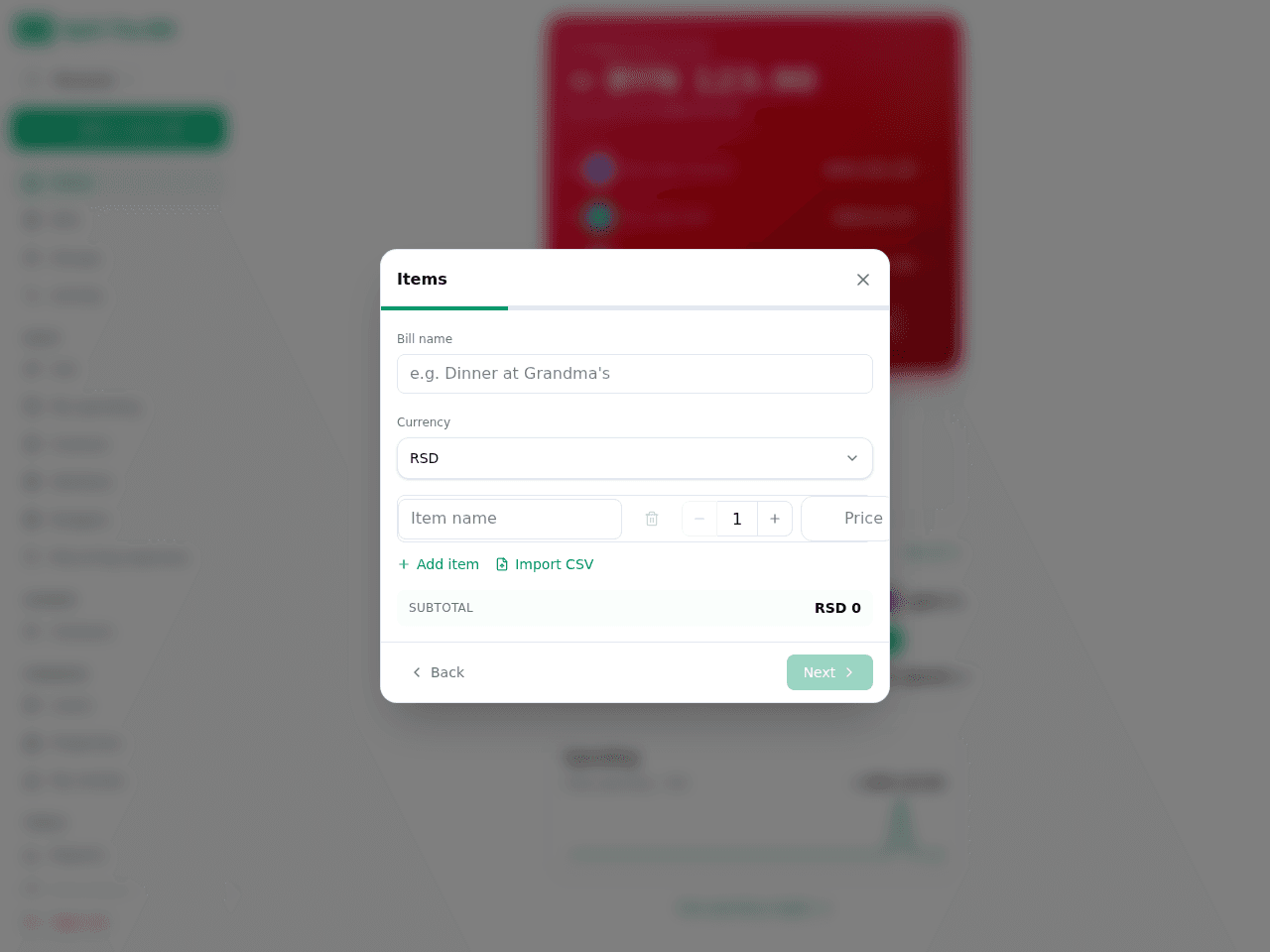
Same bill the peer sees — no account, no app install. 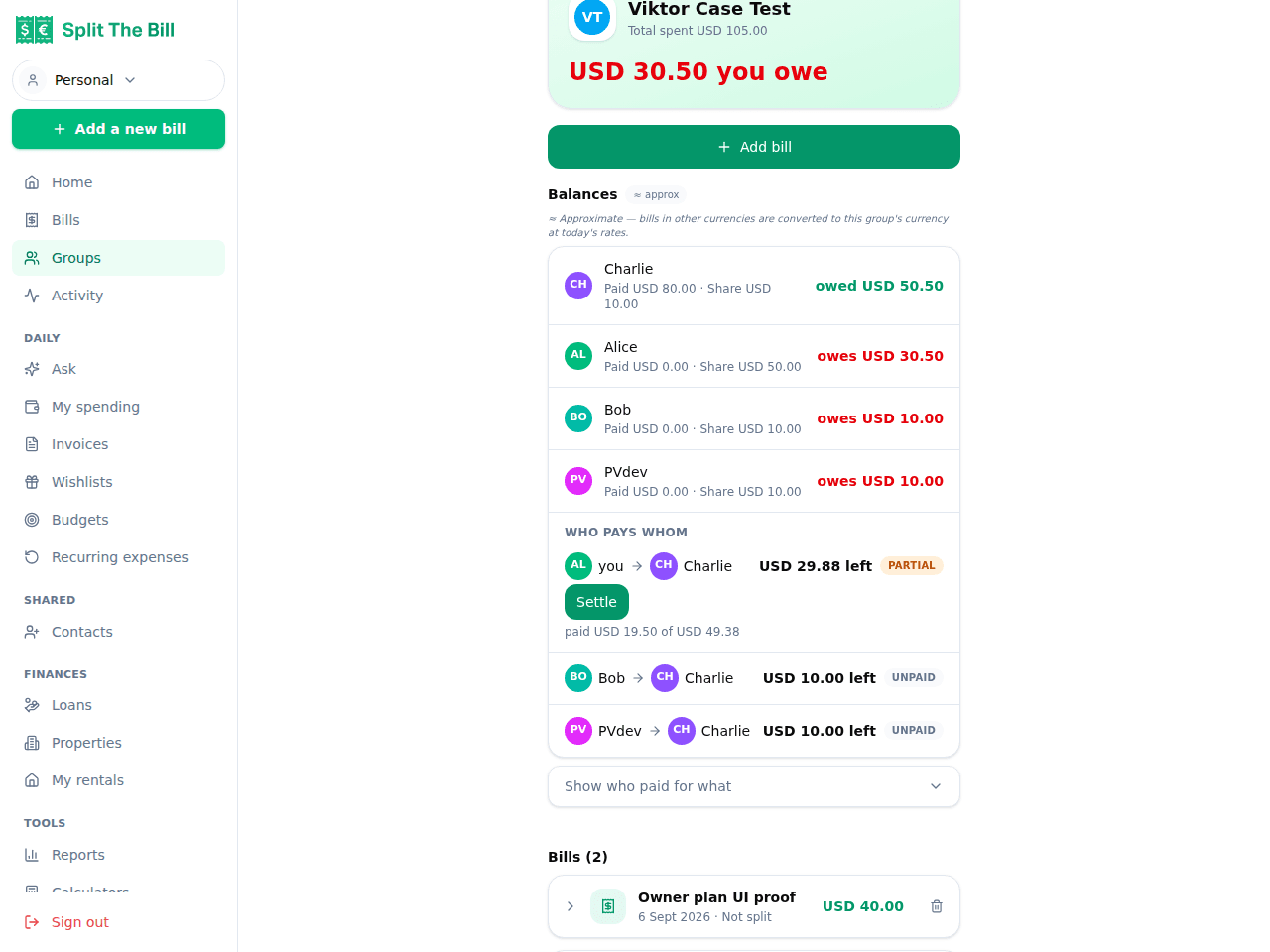
Their Pay button opens the payment app you registered. - 3
For ongoing relationships: send an email invite
Open your group from the sidebar, type their email in the member-add field. If they don't exist as a user yet, the Invite button lights up.
Click → they get an email with a click-to-join link. The link lands them on a sign-up page (if they don't have an account) or directly into the group (if they do). Either way, they're in your group with one tap.
The email is short and clean; no marketing fluff, just "Pavel invited you to join Berlin Trip". Most people accept invites that come from someone they know.
- 4
For peers who refuse both: just track them by name
You don't need them to be a user OR receive an invite. When splitting a bill, just type their name as a participant. The bill records "Bob owes $30" without any account behind "Bob".
The limitation: you can't send Bob a Pay button via the app. You'll need to text him "you owe me $30" via Messages/WhatsApp + send your Venmo/IBAN/whatever directly. Use this only for true one-offs where the relationship is "I'll never bill this person again".
- 5
Set your payment handles so the Pay buttons work
Critical step: peers viewing your shared bill see "Pay" buttons that open the payment app you've registered. If you haven't registered any handles, peers see the bill but no easy payment path.
On `/profile`, fill in Settle-up payment methods — Venmo for US peers, PayPal.me for cross-border, Revolut + IBAN for European peers. Without these, the share link still works (peer sees what they owe) but they'll need to go find your payment handles separately, which adds friction.
Why this matters more than it sounds
The "everyone needs to install the app" requirement is a silent killer of bill-splitting workflows. In real groups (a parent, a friend who hates apps, a partner who already has 200 apps and won't add a 201st), even one holdout torpedoes the workflow. Either you exclude them (which means you do the math manually for that subset), or you exclude yourself (back to spreadsheets).
Split The Bill's public share + email invite routes mean the friction-zero option always exists. Even if 1 of 6 people in your group refuses, the workflow stays clean. You don't need to evangelize the app to your circle; you just send links to people, and the math works.
When to push for a real account vs accept share-only
A real account makes sense when: - The person will be in 3+ future bills with you. - You want to send them reminders without leaving the app. - They're paying you regularly and you want a payment history.
Share-link-only is fine when: - One-shot dinner / trip / event. - The person will never be in another shared bill with you. - You're just handing them a bill snapshot for record-keeping.
Don't over-evangelize. If someone's reluctant, the share link is enough — pushing them to "really install the app" turns them into a reluctant user who never opens it again, which doesn't help.
Privacy of public share links
Public share links are unguessable URLs (cuid-based, ~25 random characters), but anyone with the link can view the bill. They're not access-controlled.
Practical implications: - Don't post public share links on social media. They're for direct sharing. - Don't use them for sensitive bills (medical, legal). For those, use the private (PIN-protected) share link instead — also free, just not guessable by anyone who stumbles on the URL. - They expire if you set an expiry on creation. Default is no expiry, but you can set it. - Search engines don't index them. We send `noindex` headers on shared pages; bills won't turn up on Google.
The trade-off is the same as a Google Docs share link: cryptographically random URL, anyone-with-the-link access, no account gate. For most splits, this is the right balance.
Frequently asked questions
Do peers need to sign up to pay through the share link?▾
No — Pay buttons work without signup. They tap, the link opens Venmo / PayPal / Revolut / etc. on their phone with the amount prefilled. They send the money from inside their bank/payment app. Split The Bill is just the messenger; the actual payment runs through their existing financial apps.
How do I know if the peer actually paid?▾
Same way you knew before — when the money arrives in your Venmo / PayPal / bank account. Split The Bill never watches your bank account, so you record the payment once it lands: mark the share settled (in full or in part) and the balances update for everyone.
Can I revoke a public share link?▾
Yes — on the bill detail, the share dialog has a "revoke" option. The link stops working immediately. Useful if you accidentally sent the wrong link or shared with someone you didn't mean to.
What if multiple peers in my group are app-skeptics?▾
Mix and match — some can have accounts, some can use share links. The bill works the same way regardless. The non-account peers just don't show up in the group page; they're bill-by-bill participants.
Does the email invite spam my friend?▾
No — one email per invite, and it's a transactional message (not marketing). They get a short "Pavel invited you to join Berlin Trip" with the join link. We don't add them to any newsletter.
What about non-English speaking peers?▾
Public share pages auto-detect browser language. If their browser is set to French / German / Spanish / Italian / Russian, the page loads in that language. The Pay buttons are universal app-deep-links so language doesn't matter there.
Can I see a peer's history of paid / unpaid bills with them via the share link?▾
No — share links are per-bill, not per-relationship. For tracking running balances with someone, they need to be a real user in your group. The share link is good for one-shot bills; full account for ongoing.
Free tier covers most recipes. Pro is 100 receipts every 30 days + private invite links.


