
Recipe
Scan the fiscal QR code — get the government's own receipt
Most receipts print a small QR code next to the total. In four countries, that code is a direct line to the tax authority's own itemised record — which we fetch automatically instead of asking an AI to read a photo.
Last reviewed: September 2026

Every itemised split starts with one hard problem: getting an accurate item list off a receipt. A photo gets you an AI's best guess — usually right, sometimes wrong on a smudged price or a folded corner. A fiscal QR code skips the guessing entirely. In Serbia, Montenegro, Albania and Brazil, that little square on the receipt links straight to the tax authority's own record of the sale: every item, every quantity, every tax rate, exactly as reported to the government. Split The Bill reads that QR code and pulls the real data — the same source of truth a tax auditor would use — instead of running OCR on a photo.
Step-by-step
- 1
Look for the QR code near the total
On a fiscal receipt, the QR code usually sits right below the total or next to the tax breakdown. It's smaller than a payment QR and often has a line of text near it like a verification URL or a fiscal number.
You don't need to know which country's format it is — the app figures that out from the QR content itself.
- 2
Scan it from the New Bill screen
Open Split The Bill → New bill → point the camera at the QR code (not the whole receipt — just the code is enough, though a full-receipt photo works too if the QR is included in frame).
The app recognises the QR type instantly and knows whether it can fetch itemised data or only a total.
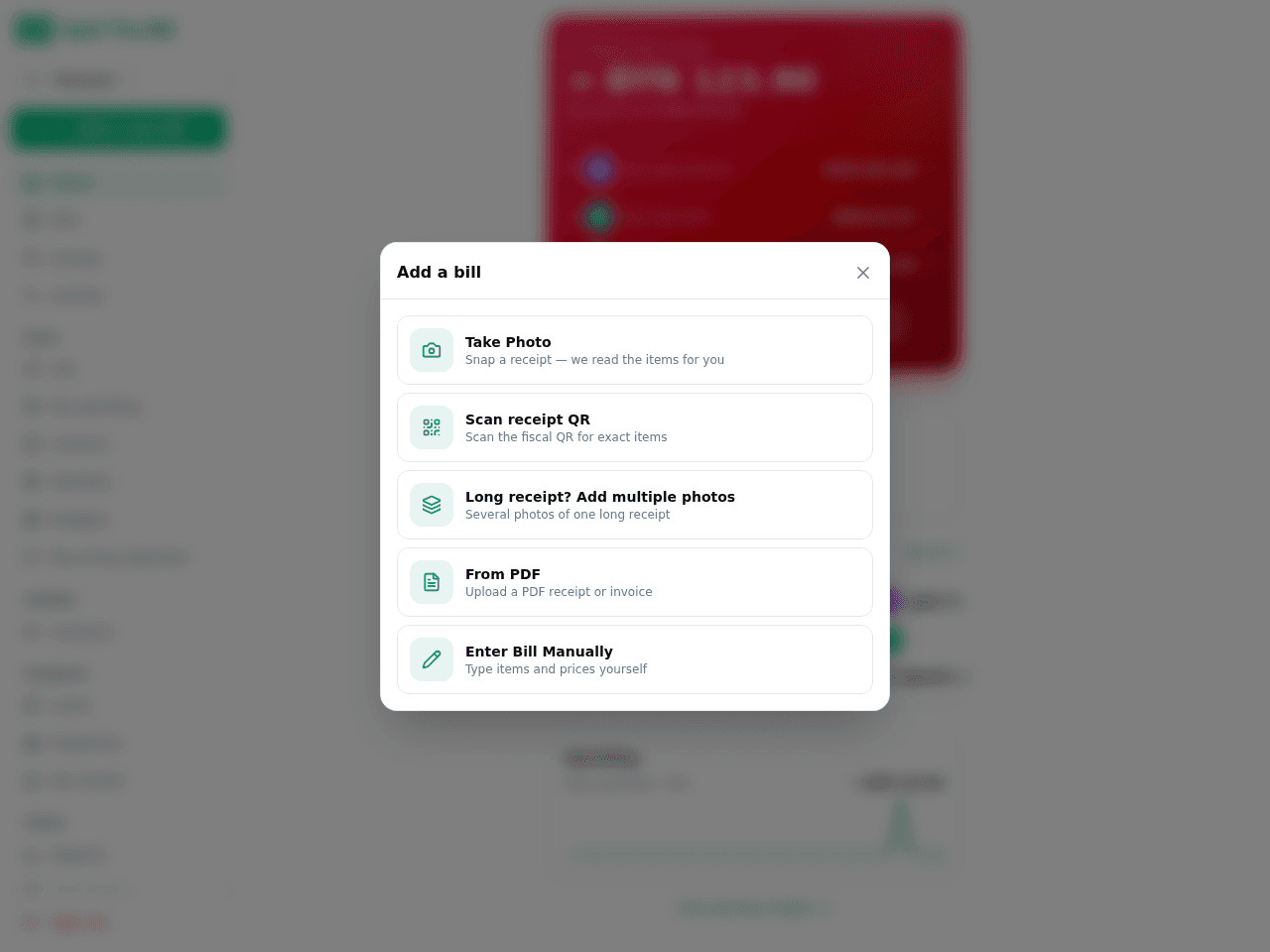
Tap New Bill, then the camera button to grab the receipt. - 3
The app fetches the official record
For a fiscal QR from Serbia, Montenegro, Albania or Brazil, the app calls the relevant tax authority portal — the SUF portal for Serbia, the D-FAS system for Montenegro and Albania, the state SEFAZ/DANFE system for Brazil — and retrieves the real line items behind that specific receipt.
This takes a few seconds longer than a plain photo scan because it's a live lookup against a government system, not a local image read.
- 4
Review the itemised result
You get exact item names, quantities, unit prices and the tax rate applied to each line — as filed with the tax authority, not estimated. Nothing here is an AI reading pixels; it's the receipt's own official record.
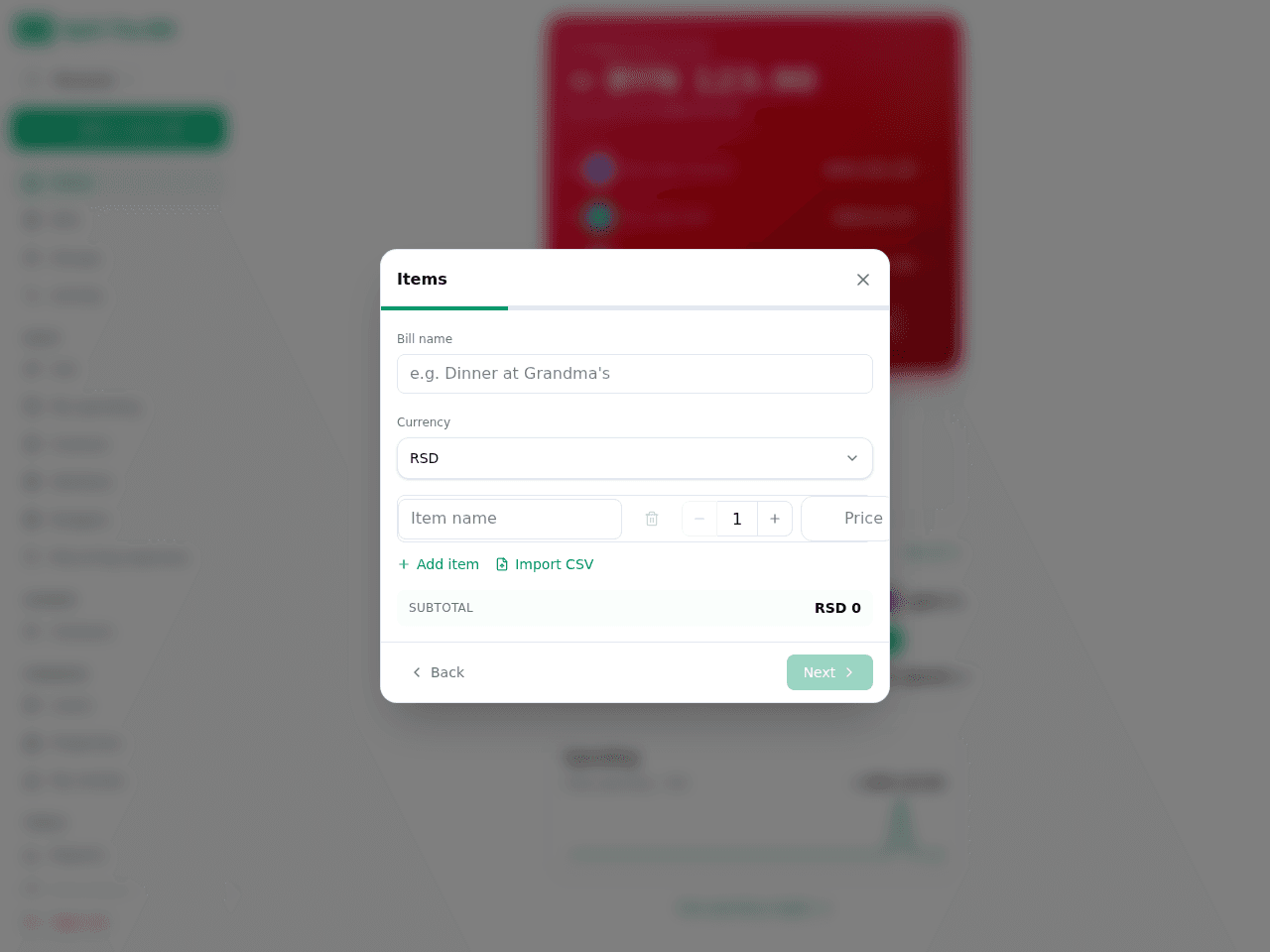
Extracted items + totals show up ready to review. - 5
Split it like any other bill
Once the items are in, the fiscal-QR bill behaves exactly like a photo-scanned one: assign items to people, split tax proportionally or equally, and let the app do the math.
- 6
Know when the QR only gives a total
Not every fiscal QR is itemised. Saudi Arabia (ZATCA), Argentina (AFIP) and India (GST) print fiscal QR codes too, but scanning them gets you the total and metadata only — no line items. In those cases (and everywhere else), the app falls back to the same AI photo extraction as any other receipt.
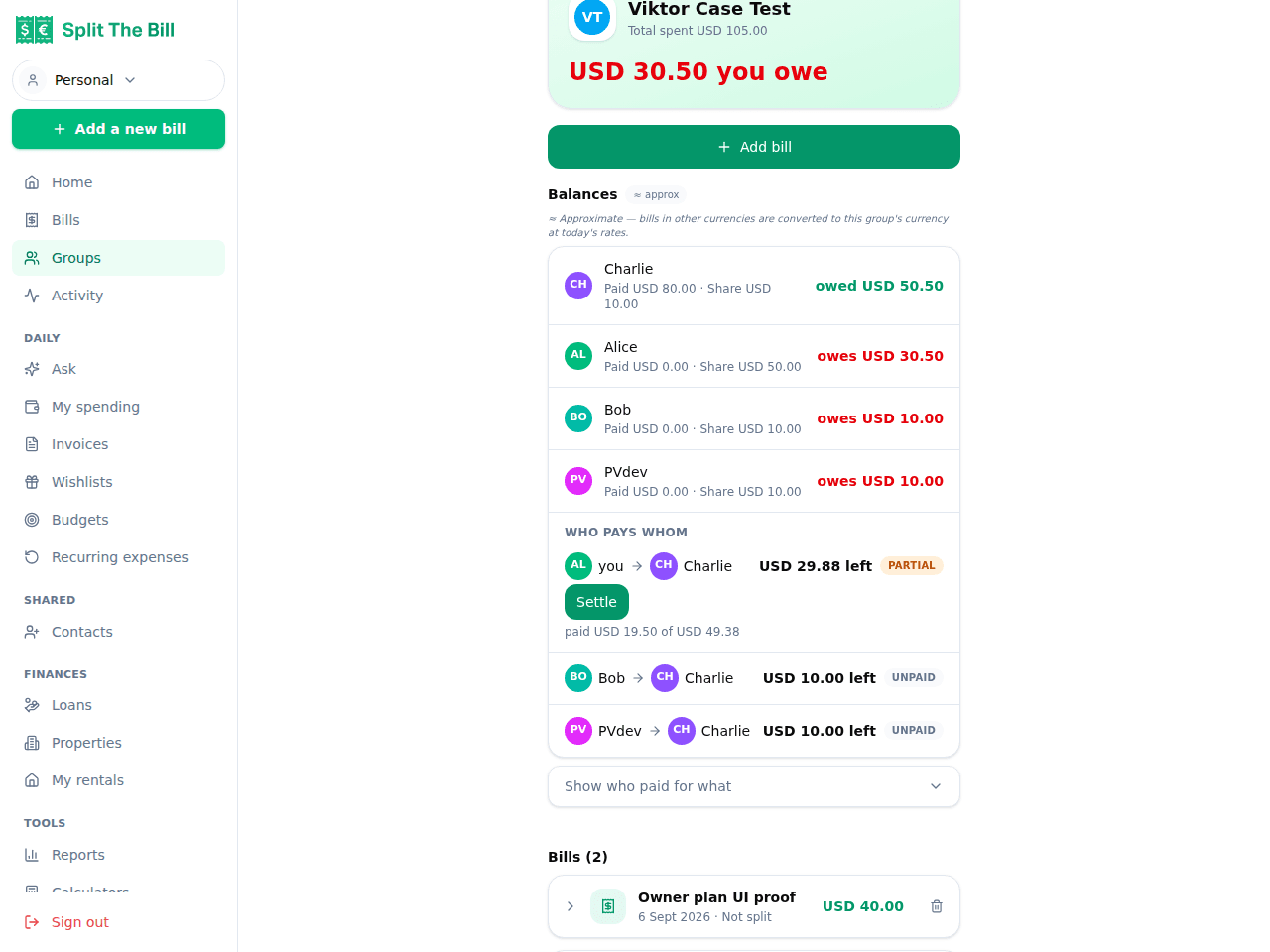
Per-peer balances show who still owes what after every bill.
Why a QR code beats a photo of the same receipt
A photo is an approximation — even good OCR can misread a faded thermal print, a smudged decimal point, or a receipt someone folded in their pocket. A fiscal QR code isn't a picture of the data, it's a pointer to the data: scanning it in a supported country fetches the exact record the merchant filed with the tax authority.
That matters most on long receipts (a grocery run, a big group dinner) where one misread line quietly throws off everyone's split. The QR path removes that failure mode entirely for the countries it covers.
Where itemised fiscal QR actually works today
Four systems currently return real line items: Serbia's SUF portal, Montenegro and Albania's shared D-FAS system, and Brazil's state-by-state SEFAZ/NFC-e network (around 27 state portals; São Paulo's is CAPTCHA-gated so it can occasionally need a manual retry). This is a live network call to a government system each time, not a cached lookup — so it's specific to the receipt you scanned, not a generic template.
What happens outside those four countries
A fiscal QR from Saudi Arabia, Argentina or India is recognised and decoded for its totals and metadata, but doesn't unlock line items — you'll still get accurate photo-based item extraction from the AI, same as usual. QR codes from Croatia, Spain, Greece, Poland and Slovenia are recognised as fiscal but nothing is extracted from them yet; those receipts also fall back to photo scanning. Either way, scanning the QR never makes things worse — it just doesn't add anything in those countries yet.
Frequently asked questions
What is a fiscal QR code on a receipt?▾
It's a QR code that tax authorities require merchants to print on receipts, encoding a reference to the transaction as officially recorded with the tax system. In some countries that reference can be looked up to retrieve the full itemised sale; in others it only encodes the total and a verification identifier.
Which countries does Split The Bill fetch itemised receipts for?▾
Serbia, Montenegro, Albania and Brazil today. Scanning a fiscal QR in any of these four countries pulls the real item list, quantities, prices and tax rates from the tax authority's own system rather than from a photo.
Does scanning the QR code work instead of a photo?▾
Yes — you can scan just the QR code, or take a normal receipt photo that happens to include the QR in frame. Either way, if it's a tier-1 fiscal QR the app fetches the official data instead of running OCR.
What if my country's fiscal QR isn't on the itemised list?▾
The app still decodes what it can (a total, a tax ID, a verification link for Saudi Arabia, Argentina, India and several European formats), then falls back to the same AI photo extraction used for any receipt without a fiscal QR. You lose nothing by scanning it anyway.
Is the data from a fiscal QR more accurate than AI photo scanning?▾
For the four supported countries, yes — it's pulled directly from the tax authority's record of the transaction, not estimated from an image. It's the same source a tax auditor would check, so it's immune to OCR errors like a smudged price or a folded receipt corner.
Why does scanning a fiscal QR take a few seconds longer than a normal photo?▾
Because for a supported country the app makes a live request to the relevant government portal (Serbia's SUF, the D-FAS system for Montenegro and Albania, or a Brazilian state's SEFAZ service) to fetch that specific receipt's record, rather than just reading pixels locally.
Does this work on old or faded thermal receipts?▾
The QR code itself is a printed code, not text, so it stays scannable even after the item text has faded — a common failure mode for thermal receipts a few hours old. As long as the QR square is intact, the lookup works regardless of how readable the rest of the receipt is.
Free tier covers most recipes. Pro is 100 receipts every 30 days + private invite links.


