
Recipe
Split a restaurant bill by items — exactly, not approximately
Nobody should pay for someone else's wine. Assign every line on the receipt to the person who ordered it, using the itemised data straight from the bill — a photo scan, or the tax authority's own record where a fiscal QR code is available.
Last reviewed: September 2026

"Let's just split it evenly" is fine when everyone orders about the same thing. It stops being fine the moment one person has the $12 salad and another has the $45 steak plus two cocktails. Item-level splitting fixes that — but it's only as good as the item list it starts from. Split The Bill gets that list two ways: AI extraction from a photo of the receipt, or, in Serbia, Montenegro, Albania and Brazil, an itemised receipt fetched directly from a fiscal QR code — the tax authority's own record of every item, quantity and tax rate on that exact bill. Either way, you end up assigning real line items to real people, not eyeballing an even split that quietly overcharges the light eater.
Step-by-step
- 1
Get the itemised receipt onto the app
Two ways in: snap a photo of the receipt and let the AI extract every line, or — where available — scan the fiscal QR code printed near the total and pull the tax authority's official itemised record instead. Either path lands you at the same place: a full list of dishes, drinks and their prices.
- 2
Add everyone who was at the table
Pick an existing group or add names for the night. People without an account can still be assigned items and get a share — you don't need everyone signed up before you can split anything.
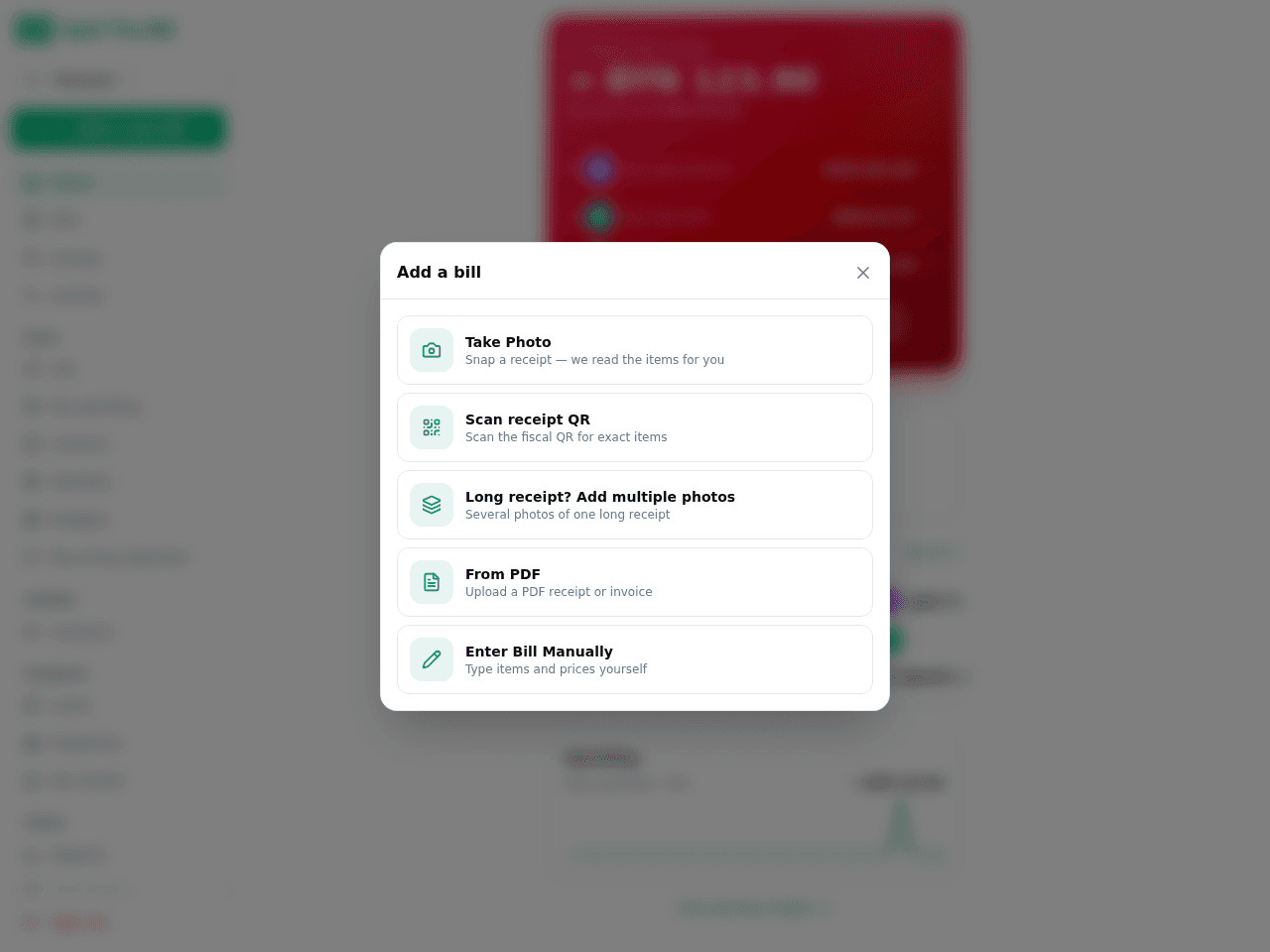
Tap New Bill, then the camera button to grab the receipt. - 3
Assign each line to who actually ordered it
Tap a line item, tap the name (or names, for a shared appetizer or bottle of wine). The running total per person updates live, so you can see the split taking shape as you go instead of finding out the surprise total at the end.
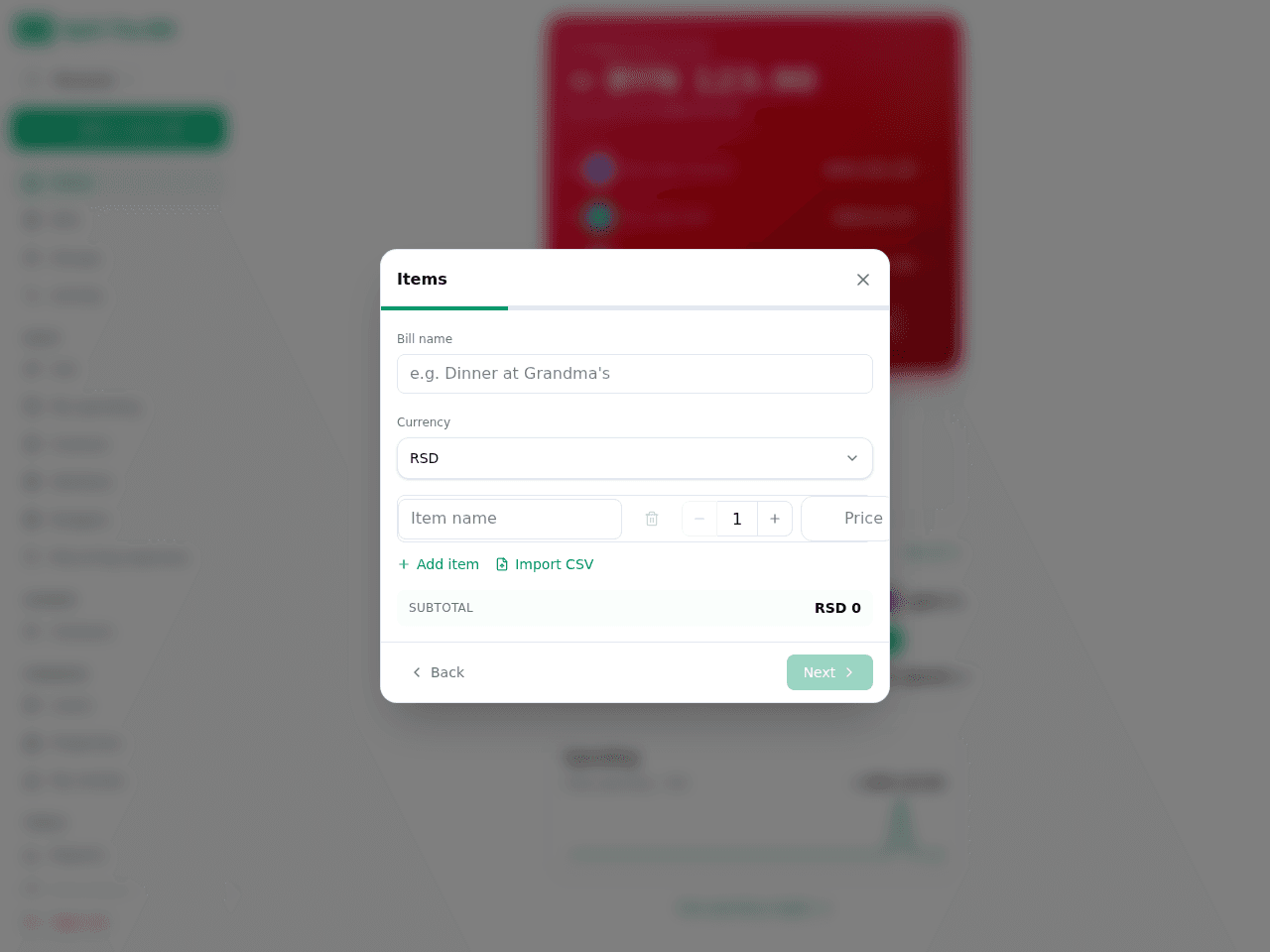
Extracted items + totals show up ready to review. - 4
Split tax and service the way that's actually fair
Choose equal (everyone pays the same share of tax/tip) or proportional (each person's tax scales with what they ordered). Proportional is usually the fairer default at a table where order sizes vary a lot — the person with the $45 steak covers more of the tax than the person with the salad.
- 5
Double-check against the real receipt, not a photo guess
If the bill came in via fiscal QR code, every price and tax rate you're splitting is exactly what the tax authority has on file — there's no OCR uncertainty to double-check. If it came from a photo, review the extracted table for anything flagged uncertain before you finalize.
- 6
Send everyone their exact share
Each person gets a per-item breakdown of what they owe and why — not just a number, but the receipt lines behind it. A Pay button opens your linked payment app with the amount prefilled; people without the app use the public share link the same way.
Why item-level beats even splits at a real dinner table
Even splits are fast, but they're only fair when orders are close in price. The wider the spread — one person's salad next to another's steak-and-two-cocktails — the more an even split quietly subsidizes the big spender. Item-level assignment fixes this at the cost of maybe 30 extra seconds of tapping, which is a good trade whenever the spread is more than about 30% of the average order.
Itemised source matters as much as the split logic
The best item-assignment UI in the world is only as fair as the item list feeding it. A misread photo can silently swap two prices or miss a line. That's exactly the gap a fiscal QR code closes in the countries where it's supported — Serbia, Montenegro, Albania and Brazil — by fetching the receipt as filed with the tax authority instead of estimating it from pixels. Outside those countries, the AI photo extraction is still the same accurate process used for every other bill on the app; it just doesn't have a government record to cross-check against.
Handling the awkward shared items
The bread basket, the bottle of wine, the appetizer everyone picked at — these don't belong to one person. Multi-select the item and assign it to everyone who shared it; the app splits that specific line evenly across just those people, while the rest of the bill stays assigned individually. You can mix shared and individual items freely on the same bill.
Frequently asked questions
How do I split a restaurant bill by items instead of evenly?▾
Get the itemised receipt into the app (photo scan or fiscal QR code where supported), then tap each line and assign it to the person who ordered it. The app totals each person's share live as you assign, including their portion of tax and tip.
Can I split a bill by items if the receipt isn't itemised?▾
If the printed receipt only shows a total with no line items, item-level splitting isn't possible — there's nothing to assign. Use the equal-split flow instead, or ask the restaurant for an itemised copy if item-level accuracy matters for that bill.
What's the most accurate way to split a restaurant bill by items?▾
In Serbia, Montenegro, Albania or Brazil, scanning the fiscal QR code on the receipt is the most accurate path — it pulls the tax authority's own itemised record instead of relying on OCR. Everywhere else, a clear, well-lit photo of the full receipt gives the AI the best chance at an accurate extraction.
How do I split a shared appetizer or bottle of wine fairly?▾
Select that one line item and assign it to multiple people at once. The app divides just that line evenly across the people you picked, while every other item on the receipt keeps its own individual assignment.
Should tax and tip be split evenly or by what each person ordered?▾
Both are supported — equal splits tax/tip the same for everyone, proportional scales each person's share to what they actually ordered. Proportional is the fairer default whenever order sizes differ noticeably, since it mirrors how tip percentages are meant to work.
Does item-level splitting work for people without the app?▾
Yes. Add them by name during setup, assign them items like anyone else, then send the public share link. They see their itemised breakdown and can pay you directly without creating an account.
How long does it take to split a restaurant bill by items for a group?▾
For a table of six, itemising and assigning typically takes under a minute once the receipt is in the app — a few seconds to scan or photograph it, then roughly 20-30 seconds of tapping items to names. Groups with more shared items take a little longer than groups with mostly individual orders.
Free tier covers most recipes. Pro is 100 receipts every 30 days + private invite links.


