
Expense Splitting Apps: How to Choose in 2026
Compare the best expense splitting apps in 2026: photo receipts, fiscal QR codes, group balances, and download-free links. See how it works.
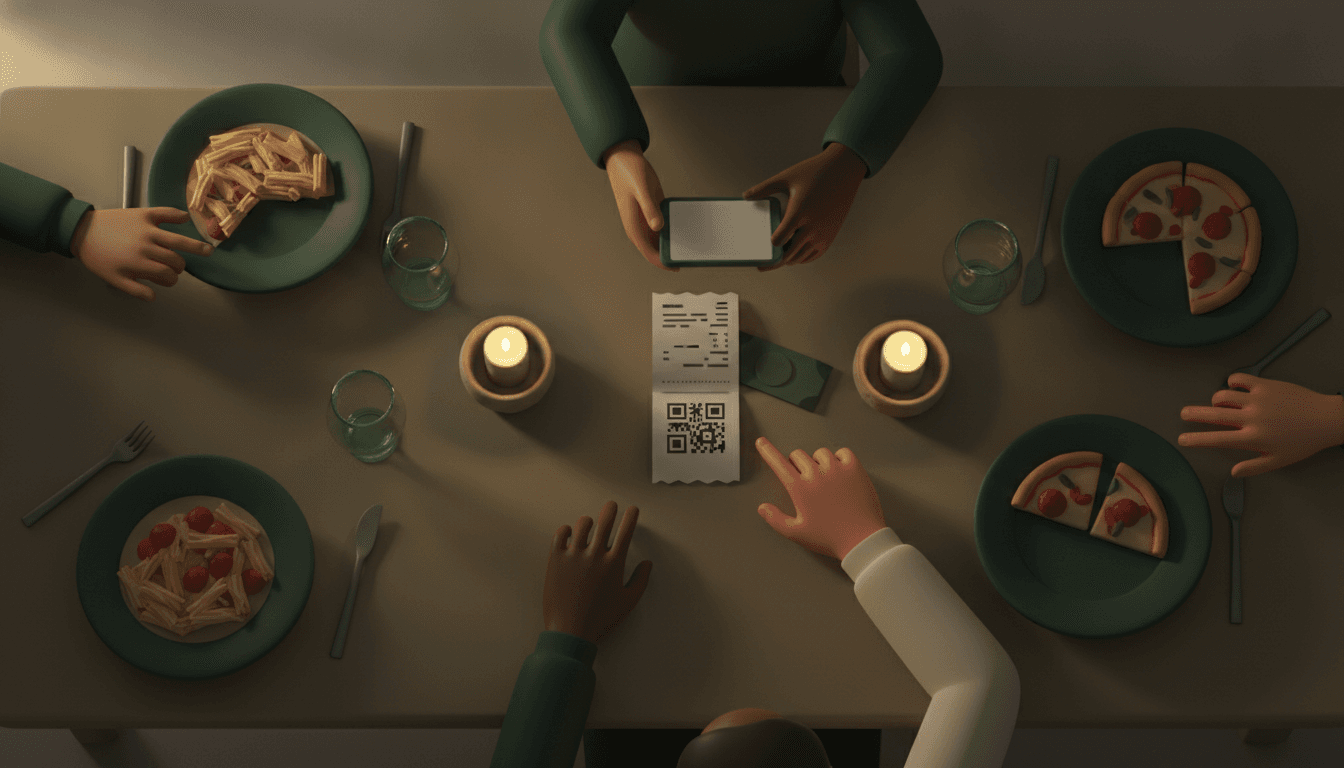
An expense splitting app is a tool that calculates how much each person owes, keeps a history of group expenses, and shows who needs to pay whom at the end. It is useful for roommates, couples, travel groups, and anyone organizing Friday night barbecues who is tired of doing math in their head or chasing down forgetful friends.
This guide is for anyone who has searched for a "bill splitter" in a WhatsApp group and heard "I'll pay you later" for the very last time. By the end, you will know how these apps calculate balances, how much they actually cost, and which one to choose—without forcing anyone to create an account on yet another service.
Key takeaways
- More than 85% of Brazilians split routine daily expenses, moving around R$ 4.5 trillion per year in shared payments, according to a survey by Noh.
- Splitwise charges about R$ 9.90 per month for its Pro plan and limits the free version to just 3 to 4 entries per day, with waiting screens before saving each expense.
- Tricount, from the European digital bank bunq, has already surpassed 17 to 21 million users worldwide and is completely free, offering link access without mandatory registration.
- Splid works offline and supports over 150 currencies, charging a one-time fee for full group synchronization rather than a recurring subscription.
- In most of these apps, the final settlement is not automatic: they show who owes what, but the transfer via Pix happens outside the app, manually.
What is an expense splitting app and how does it work?
An expense splitting app records each group purchase, totals up how much each person consumed or contributed, and calculates everyone's net balance. The result is always an exact number: nobody ends up owing "roughly R$ 30," because the math is deterministic, not an estimate.
Most use a debt simplification algorithm. If A owes B and B owes C, the app doesn't ask for three separate transfers—it calculates that A can pay C directly, reducing the group's number of transactions to the absolute minimum, as described in Splid's documentation.
What varies from app to app is how expenses enter the system: typed in manually, scanned via a receipt photo with OCR (artificial intelligence text recognition), or read directly from the tax QR code on the receipt. And how settlements leave the system: manually via Pix, or, in rarer cases, integrated with an actual bank account. It is worth reading the complete guide to expense splitting apps if you want to understand all the variations before choosing.
Expense splitting apps: by photo, QR code, or manual entry?
Today, the fastest way to log a group expense is to photograph the receipt or scan the fiscal QR code (NFC-e) directly from the printed coupon, letting the app extract the items automatically. This eliminates the step of typing out every dish from an all-you-can-eat buffet or every item from a grocery run.
There are three common approaches:
- Manual: you type in the total amount and choose how to divide it. Fast for simple expenses, tedious for bills with many items.
- Photo scan with OCR: the app photographs the receipt and an artificial intelligence attempts to identify items and prices. It works well in most cases, but can make mistakes with crumpled receipts or faint print—which is why it is AI-assisted reading, not exact calculation.
- Fiscal QR code (NFC-e): you point your camera at the QR code printed on the Brazilian tax receipt and the app imports the items straight from the tax authority's database, without relying on image recognition. It is the most reliable way to split a bill item by item, especially in bars and restaurants where everyone ordered different things—check out the complete step-by-step guide in receipt scanning and bill splitting.
After importing the items, the app applies the splitting method: equal (50/50, common among roommates and trips), by consumption (everyone pays for what they ordered, common in bars and restaurants), or by custom percentage (useful when someone consumed less alcohol or premium appetizers than the others).
Splitwise, Tricount, Splid, or Split The Bill: which one to choose?
There is no single "best app"—there is the best app for your group. Travelers without internet access benefit from an offline app; long-term roommates want recurring balances; anyone just trying to settle tonight's dinner wants speed without registration.
| App | Price | Does a friend need to install? | How expenses are added | Strong point |
|---|---|---|---|---|
| Splitwise | Limited free; Pro ≈ R$ 9.90/mo | Yes, everyone creates an account | Manual, or OCR on the Pro plan | Best-known brand, consolidated history |
| Tricount | Completely free | No, accessed via link | Manual | 17 to 21 million users, zero fees |
| Splid | One-time payment, no subscription | Yes, but works offline | Manual, +150 currencies | Ideal for international travel without signal |
| Cumbuca | Regulated fintech model (joint account) | Yes, it is a shared bank account | Direct Pix at the moment of purchase | Splits Pix and bill payments at checkout, not just afterwards |
| Split The Bill | Free and Pro | No — private link without signup or download | Receipt photo (OCR) or fiscal QR code (NFC-e), deterministic calculation | Those who don't want an app resolve via link; exact math, no estimates |
The difference that weighs most heavily on daily use is the "does a friend need to install?" column. Splitwise and Splid require each participant to download the app and log in to view or pay their share. Tricount solves this with link access, without requiring an account—which is why it became a benchmark for simplicity after being acquired by the digital bank bunq. Split The Bill follows this same friction-free link logic, adding receipt photo or QR code scanning for those who want a quick resolution without menus to learn. For a deeper comparison between these and other names, see the best bill splitting app for every group.
How much does an expense splitting app cost?
Most expense splitting apps have a functional free tier and charge only for extra features like unlimited entries, receipt scanning, or currency conversion. Splitwise, for instance, limits the free version to about 3 to 4 entries per day, with a countdown screen before releasing the next one—a frequent complaint among users on Reddit, which sparked a wave of searches for free alternatives in recent years.
Tricount, on the other hand, charges nothing for unlimited use, and Splid reverses the logic: instead of a monthly subscription, it charges a one-time fee for full synchronization among group members, according to its Google Play store listing.
The catch that usually trips up anyone looking solely at plan pricing is this: free doesn't always mean unlimited, and paid doesn't always mean better for your specific use case. Before subscribing to anything, it's worth comparing the real limits of each plan in how much it really costs to split expenses in 2026 and in free bill splitting apps.
How to split a restaurant bill in 5 steps
In practice, splitting a restaurant or bar tab takes less than a minute if you follow this order:
- Photograph the receipt or scan the fiscal QR code as soon as it arrives at the table, before everyone gets up.
- Check the imported items—shared dishes, appetizers, and the bottle of wine that only two people drank.
- Mark who consumed what: individual items go to whoever ordered them, while shared items are split equally among participants.
- Let the app calculate the final balance, including service charges and any proportionally rated tips.
- Send the payment link to the group—those with the app see their balance automatically, while those without just open the link and pay.
This workflow solves the classic "I only drank water" problem: instead of splitting everything evenly, everyone pays for what they ordered, and whoever wanted to indulge in a premium glass of wine covers the difference alone.
How to deal with people who refuse to download another app
The most direct way to resolve this is to choose an app that generates a private payment link, without requiring registration or downloads from anyone who just needs to settle their share. This is the biggest friction point in real-world groups: half organize everything neatly, while the other half simply won't install another application out of laziness or distrust.
Models like Tricount have already proven that you can grow to tens of millions of users without forcing anyone to create an account, allowing access via a direct link to the group. Split The Bill follows this same principle: you organize, scan the receipt, and send the link—recipients just see the amount and pay, with no menus to learn and no passwords to remember.
It is worth noting that "joint account" apps like Cumbuca solve this friction in another way: instead of calculating and then requesting manual transfers, they split Pix payments and bank slips right at checkout. It is a more robust solution for couples and families with recurring fixed expenses, but it requires opening a shared bank account—a bigger commitment than most groups of friends or travelers are willing to take on.
Frequently asked questions
What is the difference between an expense splitting app and a shared bank app?
An expense splitting app calculates who owes what and leaves payment for outside, usually via manual Pix. A shared bank app, like a joint account, processes transfers automatically at the moment of purchase. The former is lighter and doesn't require opening a new bank account; the latter requires one, but closes the loop automatically.
Do I need the whole group to download the same app?
It depends on the chosen app. Splitwise and Splid require each person to create an account and install the app to view their balance. Tricount and Split The Bill allow access via link, so only the organizer actually needs to use the app—the rest of the group just pays.
Does the app calculate incorrectly if I take a picture of a crumpled receipt?
Photo scanning uses image recognition (OCR) and can make mistakes on torn, crumpled, or faded receipts. Scanning the fiscal QR code (NFC-e) printed on the coupon is more reliable in these cases because it imports the data directly from the tax database rather than trying to "guess" the text from an image.
Is it worth paying for an expense splitting app?
It is worth it if you log expenses frequently and run into free-tier limits, such as Splitwise's 3 to 4 expenses per day. If your usage is sporadic—one trip a year, one barbecue a month—a free plan without mandatory registration, like Tricount or the free tier of other apps, usually solves the problem at zero cost.
How long does it take to set up a group for the first time?
Creating a group, adding participants via link, and logging the first expense takes less than two minutes in most modern apps. The real time spent is on photographing receipts and checking items, not on the initial setup.
Split the next bill in under a minute
Choosing an expense splitting app comes down to deciding whether to ask everyone to download yet another application or to send a link and move on with life. Split The Bill was built for the second path: you photograph the receipt or scan the fiscal QR code, the calculation comes out exact—deterministic, not estimated by AI—and whoever receives the link simply pays, without installing anything.
If your group is large, travels in a foreign currency, or changes composition every week, take a look at expense splitting app: guide to choosing yours before deciding. After that, just create your first group and test it with the next real bill—Friday's buffet will do.
Quick FAQ
What is the difference between an expense splitting app and a shared bank app?
An expense splitting app calculates who owes what and leaves payment for outside, usually via manual Pix. A shared bank app, like a joint account, processes transfers automatically at the moment of purchase. The former is lighter and doesn't require opening a new bank account; the latter requires one, but closes the loop automatically.
Do I need the whole group to download the same app?
It depends on the chosen app. Splitwise and Splid require each person to create an account and install the app to view their balance. Tricount and Split The Bill allow access via link, so only the organizer actually needs to use the app—the rest of the group just pays.
Does the app calculate incorrectly if I take a picture of a crumpled receipt?
Photo scanning uses image recognition (OCR) and can make mistakes on torn, crumpled, or faded receipts. Scanning the fiscal QR code (NFC-e) printed on the coupon is more reliable in these cases because it imports the data directly from the tax database rather than trying to "guess" the text from an image.
Is it worth paying for an expense splitting app?
It is worth it if you log expenses frequently and run into free-tier limits, such as Splitwise's 3 to 4 expenses per day. If your usage is sporadic—one trip a year, one barbecue a month—a free plan without mandatory registration, like Tricount or the free tier of other apps, usually solves the problem at zero cost.
How long does it take to set up a group for the first time?
Creating a group, adding participants via link, and logging the first expense takes less than two minutes in most modern apps. The real time spent is on photographing receipts and checking items, not on the initial setup.
Try Split The Bill — free
10 receipt-scanned bills/month, recurring expenses, multi-currency, and settle-up via Venmo / PayPal / Revolut.
Create a free accountRelated posts

Split expenses without registration: A practical guide
Split expenses without registration: divide a bill in 30 seconds, no accounts or passwords needed. The best tools, steps, and tips for 2026.
- Aplikacija
- Deljenje
- Skeniranje

Expense Splitting App: The Complete 2026 Guide
Expense splitting app: learn how to choose, compare, and settle group bills without a forced app or spreadsheet. Check out the 2026 guide.
- Apps
- Splitwise
- Splitting

Bill Splitting App 2026: The Ultimate Comparison
Which bill splitting app is actually worth it in 2026: Prices, receipt scanning, and settlement compared – including a step-by-step guide.
- App
- Kosten
- Aufteilen


