Inside a menu translator: photo, translation, overlay
A menu translator runs OCR, machine translation and an on-screen overlay. Each step fails on different menus: chalkboards, stylized fonts, dim light.
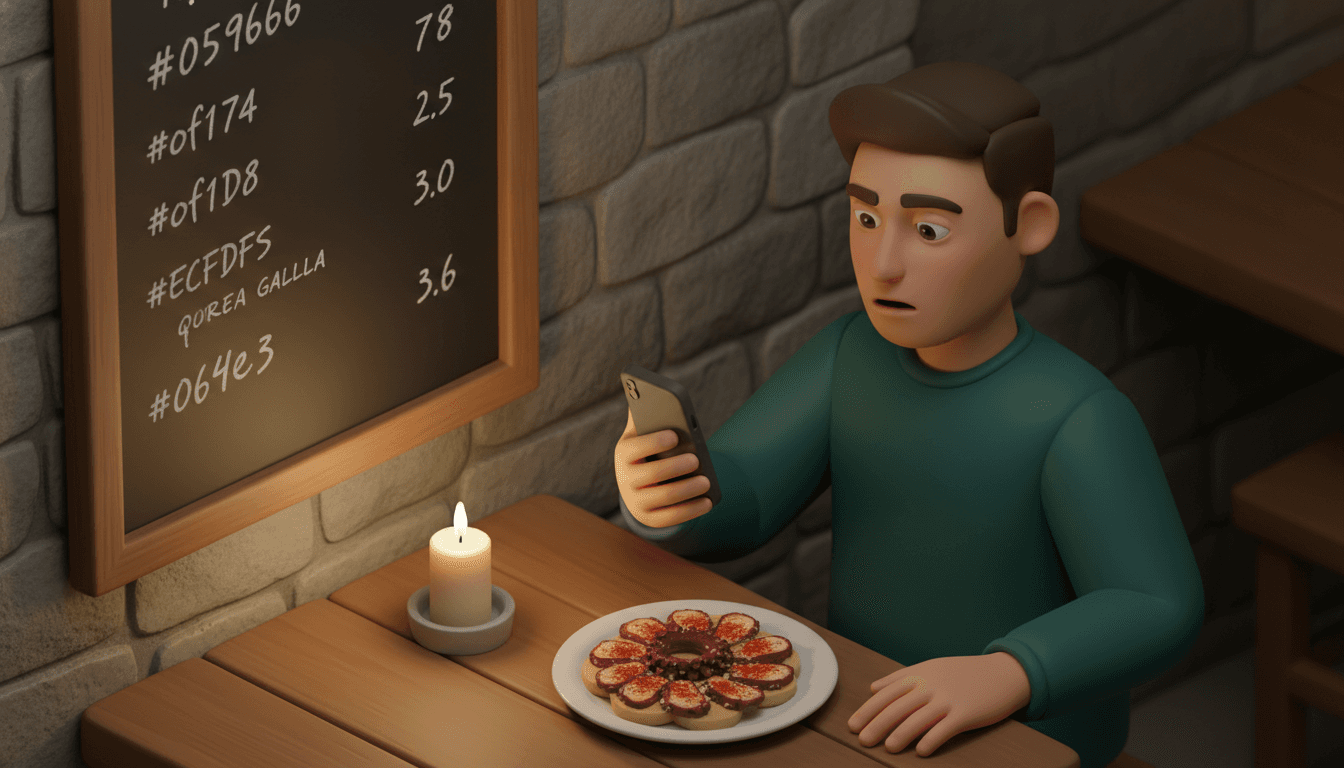
A menu translator is a phone tool that photographs a foreign-language menu, reads the printed text, translates it and lays the result over the original on your screen. Point the camera at "pulpo a la gallega" and you get "Galician-style octopus" in a couple of seconds.
That translation is correct. It still doesn't tell you you're about to get boiled octopus sliced over potatoes, dusted with paprika and sea salt. The gap between a translated name and a described dish is where most menu mix-ups happen.
Key takeaways
- Every camera translation runs three steps in sequence (text recognition, translation, display), and a garbled result usually means step one failed, not step two.
- A generic translator converts words; only food-specific apps attempt ingredient breakdowns, and neither one is an allergen guarantee.
- Chalkboards, script fonts, vertical Japanese text and candlelit tables are the four conditions most likely to produce nonsense.
- Download the offline language pack and test-scan a menu at home before the trip, because restaurant Wi-Fi and roaming data are unreliable.
What is a menu translator, in one sentence?
A menu translator is software, either a general app like Google Translate or a food-specific app, that uses your phone camera to turn a menu in an unfamiliar language into readable text in yours. General tools translate words only. Food-specific apps add dish descriptions, photos and dietary flags on top.
The two types solve different problems:
| Type | What it gives you | What it misses |
|---|---|---|
| General translator (Google Translate, Naver Papago) | Literal translation, live camera overlay, offline packs | What the dish actually is, allergens |
| Food-specific menu app | Dish explanation, ingredient guesses, sometimes photos and diet filters | Often needs a connection; ingredient lists are estimates |
| Restaurant's own translated menu (QR code) | Translation the kitchen signed off on | Only exists where the owner paid for it |
Google Translate's instant camera mode works across close to a hundred languages and supports downloadable offline packs, but it gives you literal text conversion, nothing more. Dedicated apps such as the Menu Translator App on the App Store pair text recognition with AI to show dish photos, ingredient breakdowns and allergen flags.
How does a menu translator read the text off a photo?
Step one is optical character recognition (OCR): the app finds blocks of text in the image, splits them into lines, and matches each shape to a letter or character. Clean, evenly lit, horizontal print in a standard font reads almost perfectly. Everything downstream depends on this step.
Take our test line. OCR has to spot "pulpo a la gallega" as one line, separate it from the price "14,50" on the right, and avoid merging it with the description underneath. If it reads "pulpo a la ga11ega" because of a smudge, the translation engine gets a word it has never seen and passes it through untranslated, or guesses.
We spend a lot of time on this exact problem from the other side: Split The Bill uses AI-powered OCR to read receipt photos, and the rule holds for menus too. Light, angle and font decide accuracy far more than the app does. A flat menu photographed straight on beats a tilted one shot from across the table every time.
The quick diagnostic: if the overlay shows half-English, half-original words in one line, the app couldn't read the letters. Fix the photo before blaming the translation.
How does it translate dish names with no English equivalent?
Step two is machine translation, and it handles dish names in one of three ways: a literal word-by-word rendering ("Galician-style octopus"), leaving the name untouched ("paella") or a confident wrong guess. None of the three tells you what's on the plate.
Dish names are compressed recipes. "A la gallega" means "in the Galician style", which to a Spanish diner means paprika, olive oil, coarse salt and often potato. The translator gets the words right and the meaning wrong, because the meaning lives in the cook's tradition, not the dictionary.
Three patterns to recognise:
- Regional style tags ("alla romana", "à la provençale", "a la gallega"): translated correctly, explained never. Look the dish up separately.
- Proper dish names ("cacio e pepe", "bibimbap"): usually left as-is or rendered absurdly literally. A food-specific app earns its place here.
- Words with a cooking and a non-cooking meaning: a general translator may pick the non-food sense, producing lines that read like riddles. If a translation sounds absurd, it's probably a cooking term.
For East Asian menus, Naver Papago is widely regarded as stronger than general tools on Korean, Japanese and both Simplified and Traditional Chinese, both in reading the characters and in handling meaning.
What does the live overlay show, and when is a still photo better?
Step three is display. Live mode repaints translated text over the camera feed in real time, re-running OCR on every frame; photo mode runs it once on a single sharp image. Live mode is faster for a quick scan. Photo mode is more accurate on long or dense menus.
The live overlay flickers because each frame is a fresh guess: a slight hand tremor shifts the text, and the translation of a line can change from one second to the next. That's fine for "which section is desserts". It's poor for a two-page menu with descriptions in small type.
Switch to a still photo when:
- The menu has more than one column, since live mode often jumbles lines across columns.
- Words keep changing as you hold the phone.
- You want to tap a single line and read it, or copy it into a search.
- You need to show the waiter something: a frozen image you can zoom and point at beats a jittery screen.
For ordering, the split-view feature MenuGuide describes, the original script beside the translation, is the right habit with any app. Point at the original words, not your English. The waiter reads the menu, not your translation.
Which menus break a menu translator?
Four conditions cause most failures: handwritten chalkboards, decorative or script fonts, vertical text, and low light. All four break step one, the text recognition, so the translation engine never receives clean input. Each has a workaround that takes under a minute.
| Menu condition | What goes wrong | What to do |
|---|---|---|
| Handwritten chalkboard | OCR is trained mostly on print; chalk strokes and joined letters misread | Photograph straight on, close up, one line at a time; or type the words in manually |
| Script or stylized fonts | Fancy letters match the wrong characters | Use still photo mode and zoom; check whether a printed version or QR menu exists |
| Vertical text (common on Japanese menus) | Some modes read across columns instead of down them | Use photo mode and select the text region; Papago tends to handle CJK layouts better |
| Dim light, candles, glare | Blurry, noisy images and reflections on laminated menus | Tilt the menu to kill glare; don't use the flash on laminated cards |
| Very long menus | Live overlay drops lines and mixes columns | Photograph each section separately |
One more failure the table can't fix: the menu is printed perfectly and translated perfectly, and the dish is still a mystery. That's the "Galician-style octopus" problem, and no camera setting solves it.
Who should rely on a menu translator, and when should you ask staff?
A menu translator suits travellers without dietary restrictions who want to scan quickly, avoid the obviously unwanted and order without pointing at a neighbour's plate. It is not enough for anyone with a serious allergy, coeliac disease or strict religious dietary rules, because translations and ingredient guesses can be wrong.
Rely on the app when:
- The worst outcome of a mistake is a dish you didn't love.
- You're scanning to narrow ten options down to three, then reading those three properly.
- The restaurant is busy and staff speak none of your languages.
Ask staff, or use a printed phrase card, when:
- Any ingredient could make you ill. Carry a card in the local language stating the allergy plainly; it beats any translated menu.
- The menu is mostly daily specials on a board, which is where OCR is weakest.
- A dish name translates to something vague like "house style" or "grandmother's recipe". The only reliable source is the kitchen.
A useful compromise: translate the menu to pick candidates, then ask one yes-or-no question per dish. "Pulpo, ¿con patatas?" is easier for a waiter to answer than a paragraph on your phone.
What should you set up before you leave?
The single most useful setup step is downloading the offline language pack for every country on your itinerary, while on home Wi-Fi. Without it, most translators need a data connection, and restaurant Wi-Fi or a weak roaming signal will stall the camera at exactly the wrong moment.
- Install two apps. One general translator plus either Papago for East Asia or a food-specific app for dish explanations. If one misreads, the other often doesn't.
- Download offline packs for each destination language and your own.
- Run a test scan at home. Find a menu photo in the target language online, point your camera at the screen, and try both live and photo mode. You'll learn where the buttons are before you're hungry and in a hurry.
- Check offline mode works. Switch to airplane mode and scan again. Offline translation is usually rougher than online, so know what to expect.
- Save your phrase card as a photo in your camera roll, so it opens without an app or a signal.
Frequently asked questions
Will a menu translator convert the prices into my currency?
No, camera translators treat prices as numbers and leave them as they are. You'll see "14,50" whether you're paying in euros or something else, and a comma may be the decimal separator. Keep a currency converter handy, and if you're splitting costs with a group, log each expense in its original currency so the conversion happens once at settle-up, not in your head at every meal.
Can a menu translator confirm a dish is safe for my allergy?
It can't confirm anything; it can only flag likely ingredients. General translators don't tag allergens at all, and food-specific apps estimate them from the dish name, which misses house recipes, cross-contamination and hidden ingredients like stock or nut oils. Use the app to rule dishes out, then confirm the shortlist with staff using a written allergy card.
What if the restaurant has a QR code menu?
Scan it first, because many QR menus come with translations built in. Restaurants increasingly use menu software that offers dozens of languages, and those translations are usually checked by someone who knows the dishes, which makes them more reliable than a camera translation. If the QR menu only exists in the local language, open it on your phone and use your translator's text or page translation instead of the camera; digital text skips the OCR step entirely.
Is it fine to use a menu translator while the waiter is waiting?
Yes, but do the slow part before they arrive. Scan and shortlist while you're seated, then when the waiter comes, show the original-language line on your screen and point. Holding up the camera mid-conversation and waiting for the overlay to settle is where awkward pauses come from.
After the meal: one photo of the receipt
The menu translator gets you through ordering. Then the bill arrives, in the same language, and someone at the table pays with their card while everyone promises to send their share later. That someone is usually you.
The translation was a best guess. The split shouldn't be. Split The Bill reads the receipt photo with OCR, then does the settlement math with fixed rules, not AI estimates. You assign items, so nobody argues over who ordered the wine. Friends get a web link showing exactly what they owe and can trigger a bank payment from it, with no app to install and no account to create. If you're tracking a whole trip, a who owes who calculator explains the paid-minus-share logic behind it. If your group already uses an app, our take on Tricount vs Splitwise covers where each one adds friction.
Next step: download your offline language pack tonight. Then, at the first dinner abroad, photograph the receipt before anyone leaves the table.
Try Split The Bill — free
10 receipt-scanned bills/month, recurring expenses, multi-currency, and settle-up via Venmo / PayPal / Revolut.
Create a free accountRelated posts
How to Automatically Calculate Bill Splitting from Receipt Photos: 2026 Guide
Learn how to automatically calculate bill splitting just by taking a photo of your receipt. Covers OCR error prevention and app comparison. Split The Bill requires no registration and is permanently…
- Splitting
- Bill
- ocr
Receipt scanning and bill splitting: the 2026 guide
Learn how receipt scanning and bill splitting work via fiscal QR code or OCR, without installing an app. Read the 2026 guide.
- Aplikacija
- Deljenje
- Skeniranje

Settling up with friends in Splid: from filling the tank to the final transfer
Settle up with friends in Splid without arguing over receipts: a checklist for every trip phase, a worked example with five people and a clean settlement.
- Travel
- Kosten
- Aufteilen