
Split a Bill by Receipt Photo: The 2026 Guide
Learn how to split a bill using a receipt photo or tax QR code without downloading an app. Step-by-step, app comparisons, and mistakes to avoid in 2026.
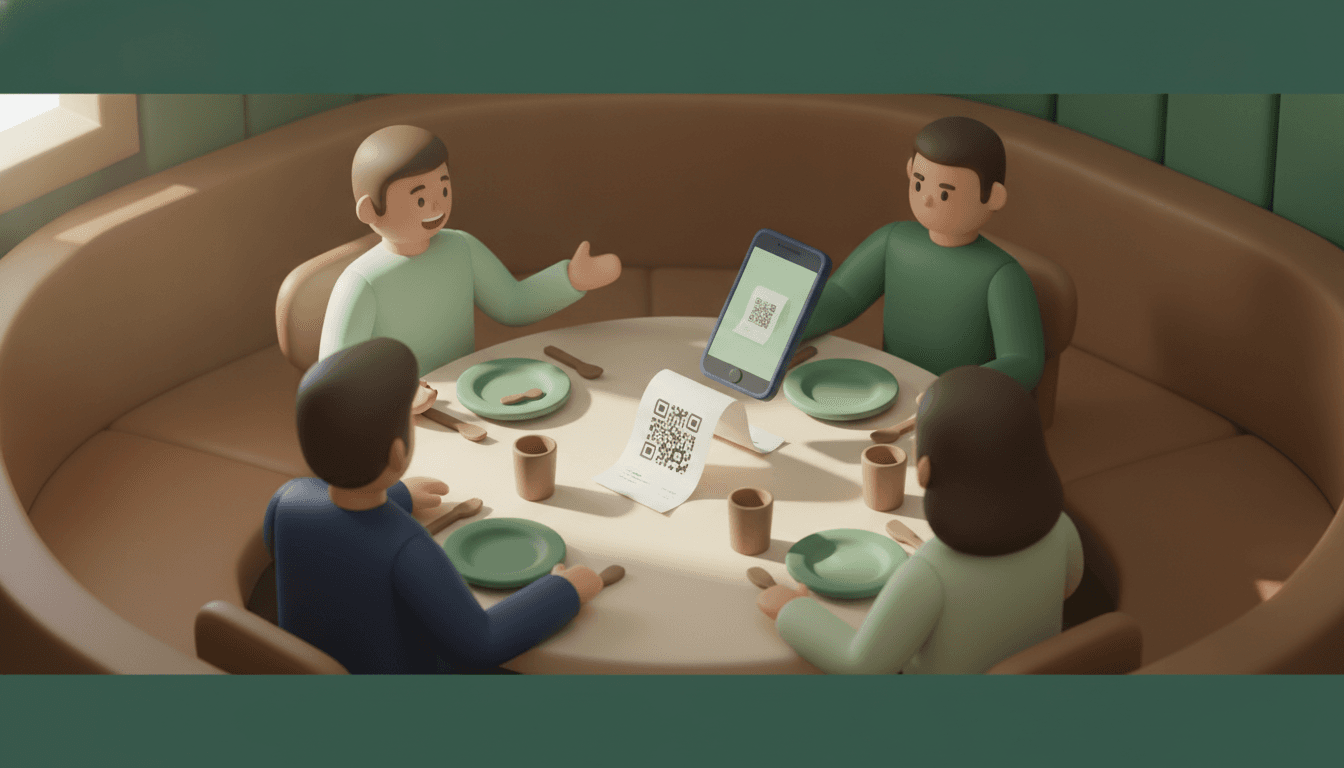
Splitting a bill by receipt photo means taking a picture of the paper receipt (or scanning the tax QR code) and letting the app extract items, prices, and service fees, automatically calculating who owes what. No one has to type in amounts, no one has to add up totals on their phone, and no one fights over the shared appetizer.
This guide is for whoever always ends up acting as the group's "cashier": the person who organizes the dinner, splits the rent for a shared apartment, or closes out the travel expenses. By the end, you'll know which method is most reliable, which apps actually do this for free, and how to avoid the mistakes that cause the math to come out wrong.
Spoiler: there are two very different technical ways to do this, and most roundups out there confuse the two.
Key takeaways
- There are two distinct methods: photo OCR (computer vision reading the paper) and tax QR code scanning (NFC-e), which fetches data straight from the tax authority's server.
- Splitwise puts receipt scanning and automatic item splitting behind its Pro subscription; the free plan limits you to 3 manual expenses per day, according to their product page.
- Tricount and Settle Up let you attach a receipt photo as proof, but do not automatically itemize line items on the free plan — it's an archiving feature, not a calculation feature.
- Apps with tax QR code readers query the official tax database via the QR code, eliminating OCR recognition errors.
- No guests need to download an app or create an account to pay their share: a private link handles it.
What does "splitting a bill by receipt photo" mean?
Splitting a bill by receipt photo is the process of photographing (or scanning) an invoice so that software automatically extracts the items, prices, and service charge, distributing the total among the people who participated in the purchase without manual math. This is different from simply attaching an image to keep as a receipt.
There are two techniques behind this. The first is OCR (optical character recognition) combined with computer vision: the app "reads" the paper like a human would, trying to identify every line. The second is reading the QR code printed on the electronic tax receipt, which points to the official purchase record on the state tax authority's server.
This distinction matters because OCR is a visual estimation — it can fail on faded thermal paper, smudged text, or a cut-off item in the photo. Tax QR code reading does not estimate anything: it fetches the exact data the store issued. If you've already read about how to choose an expense-splitting app, this is one of the technical differences that separates good options from mediocre ones.
How receipt photo splitting works (step by step)
In practice, the workflow has six stages, from the paper on the table to the payment link on WhatsApp. The total time for a typical restaurant receipt usually falls between 30 seconds and two minutes, depending on how many items need to be reassigned manually.
- Capture the receipt. Flatten the paper (especially if it's thermal paper and curled up) and photograph it in good lighting, or point your camera at the tax QR code printed at the bottom of the slip.
- The app extracts the items. Via OCR, it attempts to recognize each line of the image; via QR code, it queries the official purchase record and pulls the exact data.
- Review the list. Check that dish names and prices match what's on the paper — this step is mandatory with OCR because reading errors happen.
- Assign each item. Mark who ordered what: the steak belongs to John, the juice belongs to Marina.
- Distribute shared items. Appetizers, all-you-can-eat packages, bottles of wine, and the 10% service fee are split proportionally among those who partook, rather than equally across everyone.
- Generate the payment link. Each person receives a final amount and a way to pay — without needing to install anything.
Receipt photo (OCR) vs. tax QR code: Which is more accurate?
Reading a tax receipt QR code is more accurate than photo OCR because it fetches data directly from the tax database instead of trying to interpret an image — eliminating visual recognition errors like confusing a "0" for an "O" or failing to read a blurred price.
OCR is still useful and necessary because not every establishment issues receipts with a legible QR code, and older receipts or foreign bills don't feature this option. Therefore, the ideal setup is an app that supports both approaches.
| Criterion | Photo OCR | Tax QR Code |
|---|---|---|
| Data source | Receipt image, interpreted by AI | Official tax authority server |
| Risk of error | Medium (crumpled paper, faded text) | Low (exact issuer data) |
| Works offline when taking the photo | Yes, processes later | No, requires server lookup |
| Works in any country | Yes | Only where electronic tax receipts exist |
| Requires manual review | Almost always | Rarely |
In practice, an app that combines both methods — as described in Split The Bill's tax reading features — lets you choose the fastest route depending on the type of receipt you have on hand.
Comparison: apps that split bills by photo in Brazil
Not every app that promises to "split by photo" does the same thing. Some actually itemize the receipt; others just save the image as a reference, which is useful for transparency but saves no calculation effort.
| App | Reading method | Does free plan itemize? | Must install app to pay? |
|---|---|---|---|
| Split The Bill | OCR + Tax QR Code | Yes | No — private link |
| Spliit | OCR / Vision AI, generates Pix charge | Yes | Depends on workflow |
| Splitwise | OCR only on Pro plan | No (free locks at 3 expenses/day) | Yes, for the organizer |
| Tricount / Settle Up | Attaches photo as reference | Does not itemize automatically | Yes |
| Splitea | Dedicated mobile splitting app | Yes (core feature of the app) | Yes |
Splitwise locks automatic receipt scanning and itemization behind its Pro subscription, and the free plan limits usage to three manual expenses per day — which hurts most right when you need it during a large group dinner.
Tricount and Settle Up are great balance-tracking apps, but the attached photo acts as an archive, not a calculation source — it's a common misunderstanding to list these two as "photo splitters" when they actually just store proof of the expense. On the other hand, dedicated mobile apps like Splitea focus on the organizer's experience inside a single app, available on the App Store, but still require everyone to install something to settle up.
If you're comparing several options side by side, it's also worth reading the complete guide and comparison of friend expense apps before deciding which one to install.
Common mistakes when splitting bills by photo (and how to avoid them)
Most bill-splitting photo errors happen even before the math begins: when taking the picture, or when confusing "attaching" with "itemizing." Knowing these mistakes helps prevent incorrect totals and end-of-night arguments.
- Faded or crumpled thermal paper: flatten the receipt before photographing; thermal paper loses ink over time and from pocket heat, which confuses OCR.
- Thinking attaching a photo is the same as splitting by photo: many apps only save the image as a reference without extracting any items — check this before relying on the feature.
- Forgetting the service charge: the 10% tip usually appears on a separate line at the bottom of the bill; if the app doesn't catch it automatically, add it manually and split it proportionally.
- Splitting shared items equally when they shouldn't be: an appetizer shared among four people, but only eaten by three, requires a manual adjustment — no app guesses this on its own.
- Blindly trusting OCR without reviewing: always quickly check the extracted list before finalizing the split, especially on long receipts.
Does it work for roommates, trips, and recurring expenses?
Yes, splitting by receipt photo works both for a one-off restaurant bill and for recurring shared household or travel expenses, though the way you organize it changes. In a shared apartment, the focus is the running balance between housemates over the course of the month; on a trip, it's currency exchange and the total per person at the end of the itinerary.
In a shared home, weekly grocery receipt photos feed into a continuous balance among housemates rather than a single settlement. This avoids the spreadsheet nobody updates and the awkward conversation of "who still owes what." If this is your scenario, the guide on roommate and rent expense management details how to maintain this control friction-free.
On trips, the extra challenge is currency: a receipt in euros split among people who will settle up in another currency later. An app that accepts multiple currencies on the same bill avoids manual conversion. And for groups who don't even want to open a new app, there is the option to split bills without installing apps, receiving just a payment link.
Frequently asked questions
Do I need to install an app to split a bill by photo?
Not necessarily. Whoever organizes the split can use the app with photo or QR code scanning and send a private payment link to the other participants — they simply open the link in their browser and pay their share without downloading anything or creating an account.
Does photo reading work with crumpled or faded receipts?
It works, but with a higher chance of OCR errors, so it's worth reviewing the extracted list before confirming. Faded thermal paper is the worst-case scenario for visual recognition; in those situations, scanning the tax QR code (when available) is more reliable because it fetches data directly from the tax authority server.
What is the difference between attaching a photo and splitting by photo?
Attaching a photo merely saves the image as a reference for future viewing without extracting values. Splitting by photo means the app reads the items and prices from the receipt and automatically builds the split, saving you from manual calculations — they are different features even when they look the same.
Is it safe to scan a receipt QR code?
Yes. The tax QR code points to the public purchase record on the state tax authority's official server, which is the exact same data already printed on the paper — no additional sensitive information is exposed when scanning.
Is there a free app that actually does this?
Yes, but it pays to check the fine print. Some apps lock automatic receipt reading behind a paid plan — Splitwise, for example, requires Pro for OCR and limits the free plan to 3 manual expenses per day — whereas others include photos and tax QR codes in their free tier.
Try splitting your next bill without the drama
The next group dinner doesn't have to turn into a spreadsheet or an argument over who ordered the bottle of wine. Take the photo, check the items, send the link. Split The Bill reads both receipt photos and tax QR codes straight from the tax authority server, with no AI estimation in the final calculation — the math is exact, and nobody in the group needs to install anything to pay their share.
Quick FAQ
Do I need to install an app to split a bill by photo?
Not necessarily. Whoever organizes the split can use the app with photo or QR code scanning and send a private payment link to the other participants — they simply open the link in their browser and pay their share without downloading anything or creating an account.
Does photo reading work with crumpled or faded receipts?
It works, but with a higher chance of OCR errors, so it's worth reviewing the extracted list before confirming. Faded thermal paper is the worst-case scenario for visual recognition; in those situations, scanning the tax QR code (when available) is more reliable because it fetches data directly from the tax authority server.
What is the difference between attaching a photo and splitting by photo?
Attaching a photo merely saves the image as a reference for future viewing without extracting values. Splitting by photo means the app reads the items and prices from the receipt and automatically builds the split, saving you from manual calculations — [they are different features even when they look the same](https://tricount.com/pt-br/expense-tracker-features).
Is it safe to scan a receipt QR code?
Yes. The tax QR code points to the public purchase record on the state tax authority's official server, which is the exact same data already printed on the paper — no additional sensitive information is exposed when scanning.
Is there a free app that actually does this?
Yes, but it pays to check the fine print. Some apps lock automatic receipt reading behind a paid plan — [Splitwise, for example, requires Pro for OCR and limits the free plan to 3 manual expenses per day](https://www.splitwise.com/l/sa/GePA9fLxVUD) — whereas others include photos and tax QR codes in their free tier.
Try Split The Bill — free
10 receipt-scanned bills/month, recurring expenses, multi-currency, and settle-up via Venmo / PayPal / Revolut.
Create a free accountRelated posts
Receipt scanning and bill splitting: the 2026 guide
Learn how receipt scanning and bill splitting work via fiscal QR code or OCR, without installing an app. Read the 2026 guide.
- Aplikacija
- Deljenje
- Skeniranje

Travel Expense Splitting App in 2026
Compare the best travel expense splitting apps in 2026: foreign currency, offline mode, and apps that don't require friend registration. See which one to choose.
- Apps
- Travel
- Expenses

Expense Splitting App: The Complete 2026 Guide
Expense splitting app: learn how to choose, compare, and settle group bills without a forced app or spreadsheet. Check out the 2026 guide.
- Apps
- Splitwise
- Splitting


