Expense-sharing app: the flatshare checklist
Fixed rent, variable utilities, receipts: the checklist for choosing a flatshare expense-sharing app. Tick every box before signing.
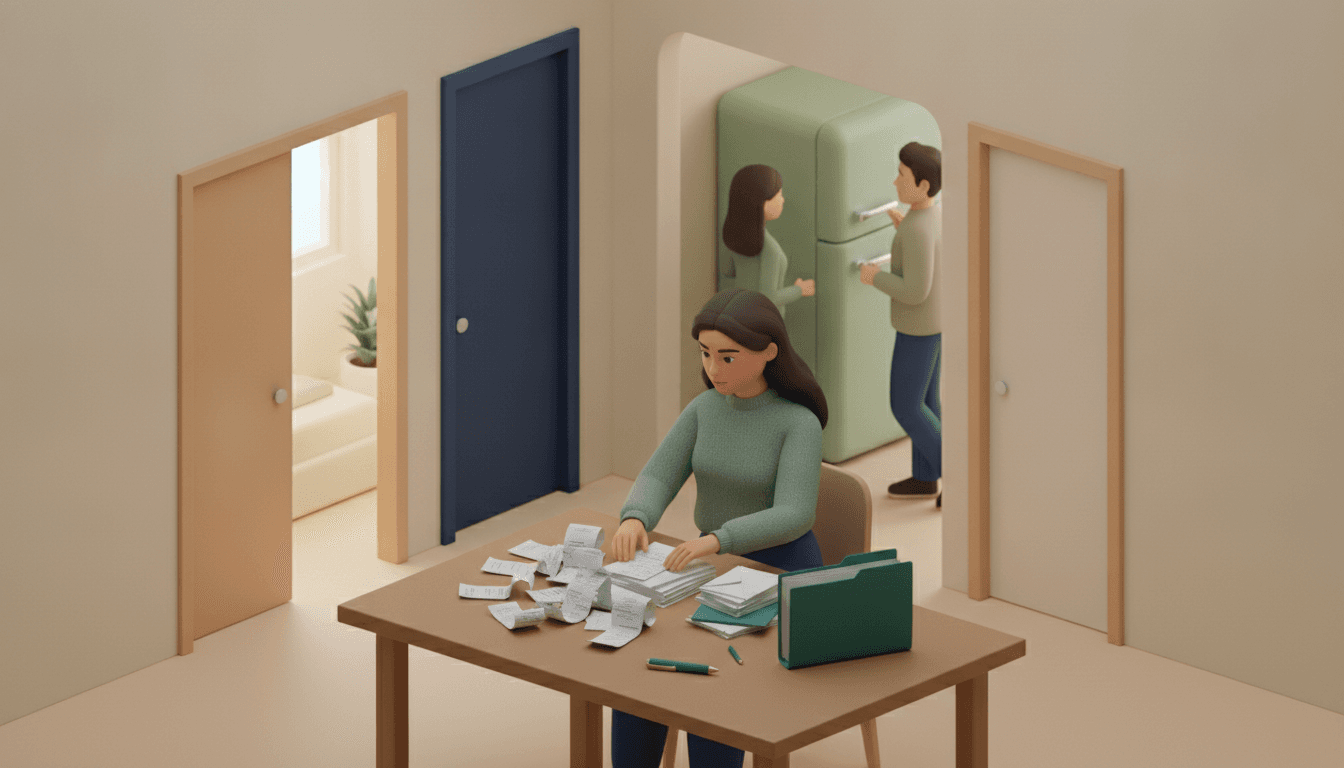
A good expense-sharing app for a flatshare needs to do three things without anyone having to think about them: roll over monthly rent and fixed utilities, keep every energy bill within easy reach, and run a continuous balance across the entire tenancy. Everything else is just a nice-to-have.
Tracking shared household bills on a notepad almost always ends the same way: a water or electricity adjustment bill forgotten the moment someone moves out. The checklist below is written for the flatmate who fronts the bills and collects the receipts. Tick the boxes, rule out the duds, and move on.
Key takeaways
- Rent and internet are identical every month: scheduling them once eliminates twelve manual entries per expense each year.
- A reconciliation bill can arrive months after the energy was used, which is why dating every receipt and keeping former flatmates in the history matters.
- For a €1,500 rent with bedrooms measuring 16, 12, and 10 m², splitting proportionally by room size works out to roughly €632, €474, and €395.
- In a group of n people, a debt-simplification algorithm settles all balances in at most n − 1 transfers, regardless of how many expenses are entered.
- A dated CSV or PDF export settles questions from an agency, a guarantor, or an outgoing flatmate in minutes.
Does your expense-sharing app schedule rent and utilities?
A standard shared flat has at least four recurring costs: rent, electricity or gas, internet, and contents insurance. If your app cannot repeat them automatically on a set date, you will re-enter them by hand every month and eventually forget one. That is the number one requirement, even before receipt scanning.
The difference between fixed rent and variable utilities changes everything. Rent never changes: you set it once. Electricity arrives as monthly direct debits followed by an annual adjustment. You need to be able to create a recurring expense and adjust a single occurrence without breaking the entire series.
- [ ] Monthly recurrence on a fixed date: rent appears on the 1st automatically, so no one forgets it.
- [ ] Editable amount on a single occurrence: the January energy bill is not the August one, and the schedule must survive the adjustment.
- [ ] Different payer per expense: you pay the rent, Léa pays the broadband, and the tool handles that without workarounds.
- [ ] Monthly budget for shared groceries: a clear ceiling prevents arguments over "we agreed on €150 a month, not €220".
For energy bills that vary from month to month, we broke down the process in our guide to variable energy bills between flatmates.
Where should you keep receipts and energy bills so nothing gets lost?
The right place for proof of payment is attached directly to the expense itself: a photo of the receipt or a PDF of the bill linked to the relevant entry when paid. A separate shared folder falls out of sync within three weeks. Snapping a receipt right away is one less headache to reconstruct at month-end.
OCR scanning does the heavy lifting: it reads the amount, the date, and, when available, the itemised list. On a supermarket receipt, that lets you split the communal items from someone's personal shampoo. Receipts with a fiscal QR code scan even more cleanly. The split calculations remain deterministic: the AI reads the receipt, but it does not guess who owes what.
- [ ] Receipt scanning included, not locked behind a paywall: some well-known apps restrict receipt scanning to their paid tiers—check before trusting them with a three-year lease.
- [ ] Attachment saved to each expense: the March EDF bill should open directly from the "March electricity" entry, not from a lost email thread.
- [ ] Itemised receipt reading for groceries: remove personal purchases before splitting without reaching for a calculator.
- [ ] Any flatmate can add an entry: whoever goes shopping scans the receipt themselves; you are not the household's admin desk.
How to split rent when bedrooms aren't equal?
The fairest method combines an equal share (communal spaces benefit everyone equally) with a share proportional to bedroom size. On a €1,500 rent with bedrooms measuring 16, 12, and 10 m², splitting half equally and half proportionally gives roughly €566, €487, and €447.
An equal split sounds simple, but it feels unfair to the person in a 10 m² room without a view while someone else has the balcony. A purely proportional split can feel harsh on the largest room, since everyone enjoys the kitchen and living room the same way. That is why the blended approach works best.
| Method | 16 m² bedroom | 12 m² bedroom | 10 m² bedroom |
|---|---|---|---|
| Equal shares | €500.00 | €500.00 | €500.00 |
| 100% by room size | €631.58 | €473.68 | €394.74 |
| 50% equal + 50% by room size | €565.79 | €486.84 | €447.37 |
Calculation for the bottom row: €750 split equally (€250 each), plus €750 multiplied by 16/38, 12/38, and 10/38. The total equals exactly €1,500. If you want to dive deeper into weights and rounding, read our guide on weighted calculations and rounding.
- [ ] Split by percentages or custom weights: without this, you have to recalculate by hand every month.
- [ ] Different rules per expense type: proportional rent, equal internet, and the tool handles both without confusion.
- [ ] Absence handling: a flatmate away on a two-month internship can be excluded from grocery bills without altering the rent.
Should you reset balances to zero every month?
No. A rolling balance across the entire tenancy is far more reliable than resetting to zero each month, because reconciliation bills often arrive months after the fact. Resetting the books every month wipes the record of who owed what when the final bill drops.
A classic example: you pay an estimated electricity direct debit for a year, then the supplier sends an adjustment bill of €180 (illustrative amount) in June. Meanwhile, Thomas moved out in April. With a rolling balance and a dated history, you know exactly what share of that consumption is his. With a notepad reset every month, you have no way to prove it.
A rolling balance does not stop you from settling up frequently. It simply prevents confusing "we are square this month" with "we are square for the whole tenancy". Once the transfer is sent—via Wero, Lydia, PayPal.me, or SEPA transfer—the app records the settlement and lowers the balance accordingly.
- [ ] Real-time balance per person: everyone sees what they owe without asking you.
- [ ] Optimised settlements: among four flatmates, at most three transfers settle everyone up, avoiding a tangle of small payments.
- [ ] Manual settlement entry: an off-app bank transfer should be marked as settled in two taps.
- [ ] No daily entry caps: the free version of Splitwise caps how many expenses you can enter per day, which quickly becomes an issue when sorting through a stack of receipts on Sunday.
An honest note on Lydia and Sumeria: these are payment apps, not expense ledgers. Sumeria offers shared accounts for up to 10 participants with a French IBAN, which helps when spending, but calculating who owes what on weighted rent still has to happen elsewhere.
What can you show the landlord or letting agency at the end of the tenancy?
A full CSV export or a dated PDF statement answers the three common questions in any flatshare: the landlord contesting late payments, the guarantor asking for a payment trail, or the departing flatmate requesting their share of a utility adjustment. Without an export, you are stuck taking screenshots one by one.
The lead tenant usually signs the lease or holds the utility contracts. They are the first person called when an issue arises. Having a clean record with dates, amounts, payers, and receipts turns a tense argument into a quick file transfer.
- [ ] Full CSV export: opens in any spreadsheet software and filters by month or expense type.
- [ ] CSV import: if you leave an old app, you bring your history across instead of starting from scratch.
- [ ] PDF statements: a clean summary to hand to a departing flatmate, far more credible than a voice note.
- [ ] History preserved after a member leaves: departing flatmates remain visible in older transactions, or reconciliation bills become impossible to calculate.
What about the flatmate who refuses to install yet another app?
There is always one. The solution is a shared link opened directly in their browser without downloading an app or creating an account: the flatmate checks their balance, reviews receipts, and adds an expense from their phone in thirty seconds. No excuses, no reminders needed.
This is the biggest point of friction in group living. A feature-packed app that only the organiser uses is pointless: you end up acting as the accountant retyping everyone else's expenses. Web-first tools like Kittysplit have proven that zero-installation works. Just make sure the link allows expense entry, not just view-only access.
- [ ] Link access with no account required: the app-fatigued flatmate does not need to install anything.
- [ ] Add expenses directly from the link: they enter their own supermarket runs instead of texting you blurry photos on WhatsApp.
- [ ] Multi-currency support: handy when the household takes a weekend trip to London or hosts an international student paying from a non-euro bank account.
This same principle applies when travelling, as we explain in our piece on sharing expenses without downloading an app, as well as for cohabiting couples, with our dedicated checklist for couples' expenses.
The 3 traps eliminated from month one
If you only tick three boxes, make it these: scheduled recurring expenses, a continuous rolling balance without monthly resets, and an accessible link that requires no registration. Together, they eliminate the three issues that derail flatshare finances before the end of the first quarter.
- Forgotten rent entries. Scheduled once, rent no longer relies on anyone's memory. No more "I thought you added it".
- Orphan utility adjustments. With a balance that runs across the entire tenancy and a dated history, a bill that arrives six months down the road gets split properly, including with whoever moved out.
- The ghost flatmate. With account-free web access, nobody skips tracking because they refuse to install an app. You stop copying receipts for everyone else.
Receipt scanning, weighted splits, and CSV exports come right behind. They make day-to-day life easier. The three points above prevent fallouts.
Frequently asked questions
Which expense-sharing app should we choose for a two-person flatshare?
With two people, your needs usually come down to rent, utilities, and groceries. Choose a tool that lets you schedule recurring costs and supports splits other than 50/50 if your incomes or bedroom sizes differ. If a third flatmate moves in later, you will not have to rebuild anything.
How do you handle a new flatmate moving in mid-lease?
Add them to the group on their move-in date and apply the new split ratios only to expenses added after that date. Older entries retain their original breakdown. Remember to adjust rent percentages if their bedroom is a different size from the outgoing flatmate's.
What should you do if an energy reconciliation bill arrives after a flatmate moves out?
Split it based on the consumption period the bill covers, not on who currently lives in the flat. If the bill covers twelve months and that person lived there for eight, their share is calculated over those eight months. Send them a PDF statement with the utility bill attached: an itemised invoice is received much better than an unsupported figure.
Is a free app enough to manage rent and utilities?
Often yes, provided you check three restrictions before committing: daily expense entry limits, receipt scanning locked behind a paywall, or short transaction history windows. These limits easily go unnoticed in month one and become major roadblocks when an adjustment bill arrives. Our app comparison details what each free tier actually includes.
Tonight: schedule the rent and send a link
Take ten minutes. Create the flatshare group, schedule the rent with your agreed split, add electricity and broadband as recurring costs, and share the link in your household group chat. No one has to download anything.
That is exactly what Split The Bill is built for: recurring expenses and rent, receipt scanning, automatic balances, optimised settlements, PDF statements, and CSV exports—all accessible via a link, with no app and no sign-up required for your flatmates. Money handled. Zero friction.
Try Split The Bill — free
10 receipt-scanned bills/month, recurring expenses, multi-currency, and settle-up via Venmo / PayPal / Revolut.
Create a free accountRelated posts

Tricount: How It Works, Cost, and Suitability for a Shared Apartment
Discover how Tricount works step by step, its pricing, and whether it fits rent and monthly utility bills in a shared apartment. Straight to the point.
- Rent
- App
- Cuentas

Entering a Tricount Paid by Multiple People Without Errors
Tricount paid by multiple people? The 'Paid by' field only accepts one name. Two methods for fair balances in 2 minutes. Read on.
- App
- Expenses
- Splitting

The Right Splitwise Alternative Depends on Your Group
Hit Splitwise's daily limit? Compare the best Splitwise alternative options for trips, roommates, and dinners, then find your group's right fit.
- Apps
- Splitwise
- Splitting