
Entering a Tricount Paid by Multiple People Without Errors
Tricount paid by multiple people? The 'Paid by' field only accepts one name. Two methods for fair balances in 2 minutes. Read on.
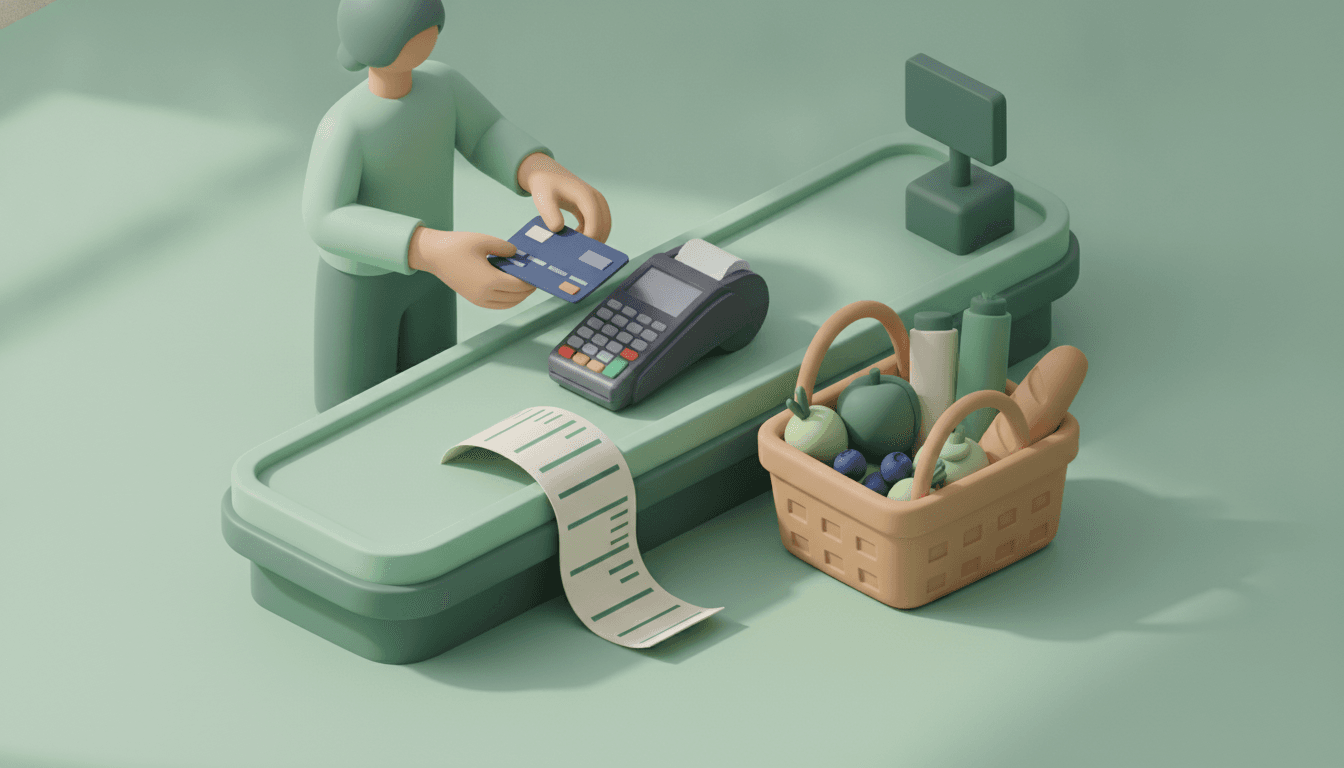
A Tricount expense paid by several people cannot be entered in a single line: the "Paid by" field only accepts one name. The solution takes two minutes. You create one expense per payer, with the same beneficiaries, or a single expense followed by an internal repayment.
Tricount is a shared expense app that calculates who owes what to whom in a group. It does this very well, as long as only one person pulls out their card. When two cards are swiped on the same grocery receipt, you need a workaround. Here is how to do it without creating false debts.
Key takeaways
- Tricount's "Paid by" field is single-select: a transaction can only be assigned to one payer at a time.
- The safest method is to create as many expenses as there were cards or payers, by selecting the exact same beneficiaries on each line.
- The alternative method records the entire receipt under one payer, followed by a repayment from the second payer to the first for the amount the second advanced.
- After entering, the sum of the expenses must equal the receipt (€120 for €120 of groceries) and the sum of all balances must equal €0.
- Splid, Splitwise, and Settle Up natively support multiple payers on a single expense, which Tricount does not.
Does Tricount allow multiple payers on a single expense?
No. In Tricount, each expense has a single payer, chosen from a single-select list. You cannot enter "Lea €70 + Tom €50". Reviews on the Tricount App Store page regularly mention this limitation. Therefore, you must split the expense or add an internal transfer.
The good news: the final result is strictly identical to what a multi-payer mode would produce. Tricount's calculations are pure arithmetic. If the lines are correct, the balances are correct. If one line is wrong, the whole group inherits the error.
Allow about two minutes for a receipt paid by two people. One minute per line, plus thirty seconds of verification. The only real prerequisite: knowing exactly how much each card paid. The credit card receipt or bank notification is enough.
How to record a Tricount expense paid by multiple people?
The recommended method takes five actions: note the amounts per payer, create a first expense under payer 1's name, select the beneficiaries, create a second expense under payer 2's name with the same beneficiaries, and then check the balances. Each line represents the money actually spent by a person.
- Check the amount on each card. Example: a €120 receipt, Lea's card paid €70, Tom's card paid €50. Verify that 70 + 50 = 120 before touching the app.
- Create the first expense. Title: "Carrefour groceries (Lea's share)". Amount: €70. Paid by: Lea.
- Select the beneficiaries. Everyone who benefits from the groceries, including payers. If all four weekend participants are eating, check all four. Tricount then splits it at €17.50 each.
- Create the second expense. Title: "Carrefour groceries (Tom's share)". Amount: €50. Paid by: Tom. Select the exact same four beneficiaries. Tricount splits it at €12.50 each.
- Check the balances. Total of both lines: €120. Each participant bears €30 of consumption. Lea should appear at +€40, Tom at +€20, and the other two at −€30.
Why keep the same beneficiaries on each line?
Because each line represents only a slice of the same purchase. If you select four people on the first line and three on the second, the fourth person only pays €17.50 instead of €30. The group absorbs the difference without anyone noticing.
An exception: if part of the receipt concerns only one person (their bottle of wine, their shampoo), break that amount out into a separate line with just that beneficiary. The rest is split normally. Weighted shares and rounding rules are detailed in our article on advance expense calculations.
When to use the 'one expense + one repayment' method?
This second method is useful when you want to keep the receipt on a single line, for example to attach a single photo to it. You record €120 paid by Lea, split among everyone, followed by a repayment from Tom to Lea of €50. Tom advanced €50 on behalf of Lea: the transfer reflects this.
The logic is counterintuitive at first, so let's spell it out clearly. By recording €120 under Lea's name, you credit her with €50 she did not actually pay. By recording "Tom repaid €50 to Lea", you remove those €50 from Lea's credit and add them to Tom's. It is as if Tom handed her a €50 bill at the register.
| Criterion | Method 1: one expense per payer | Method 2: one expense + one repayment |
|---|---|---|
| Number of lines | 1 per payer | 1 expense + 1 repayment per extra payer |
| History readability | Each line = money actually spent | The receipt stays whole on a single line |
| Main risk of error | Different beneficiaries between lines | Repayment entered in the wrong direction |
| Ideal for | Receipts split among many people | Keeping a single receipt photo |
Our advice: use Method 1 by default. It is easier to read for anyone checking the account without having witnessed the scene at checkout. Method 2 creates a "repayment" that never actually happened, which always confuses someone three weeks later.
What errors mess up group balances?
Three errors happen almost every time: entering the total amount twice, reversing the direction of the repayment, and selecting different beneficiaries on each line. All three produce an account that looks correct but creates false cross-debts. A ten-second check is enough to spot them.
Error 1: entering the entire receipt for each payer
Lea enters "€120 paid by Lea", Tom enters "€120 paid by Tom". The account shows €240 in groceries for a €120 receipt. Everyone appears to owe €60 instead of €30. This is the most frequent error when two people fund the same account. Simple rule: only one person enters the receipt.
Error 2: repayment in the wrong direction
With Method 2, entering "Lea repays Tom" instead of "Tom repays Lea" is a silent disaster. In our example, Lea jumps to +€140 and Tom drops to −€80. The total discrepancy is €100, which is twice the transfer amount. The repayment always goes from the undeclared payer to the one carrying the expense.
Error 3: beneficiaries changing from one line to the next
You select four people on Lea's line, then forget Camille on Tom's line. Camille only bears €17.50 of groceries, while the other three bear €34.17. No one notices, unless they recalculate it by hand.
The check that catches all three
- The sum of the expense lines equals the receipt amount.
- The sum of all group balances equals €0.
- Each beneficiary's consumption share equals the receipt divided by the number of beneficiaries (for equal splits).
Concrete example: €120 of groceries paid with two cards
Weekend for four: Lea, Tom, Camille, and Hugo. Supermarket receipt: €120. Lea pays €70 with her card, Tom pays the remaining €50 with his. Everyone enjoys the groceries in equal shares, meaning €30 of consumption each. Lea should end up at +€40, Tom at +€20, and Camille and Hugo at −€30.
With Method 1, we enter two lines: €70 paid by Lea for all four, then €50 paid by Tom for all four.
| Participant | Paid | Share of Lea's line (€70) | Share of Tom's line (€50) | Total consumption | Balance |
|---|---|---|---|---|---|
| Lea | €70 | €17.50 | €12.50 | €30 | +€40 |
| Tom | €50 | €17.50 | €12.50 | €30 | +€20 |
| Camille | €0 | €17.50 | €12.50 | €30 | −€30 |
| Hugo | €0 | €17.50 | €12.50 | €30 | −€30 |
| Total | €120 | €70 | €50 | €120 | €0 |
With Method 2, we enter €120 paid by Lea for all four: Lea at +€90, the other three at −€30. Then "Tom repays €50 to Lea": Tom goes back up to +€20, Lea goes back down to +€40. Same balances, two paths.
To settle up, it takes just two transfers: Camille sends €30 to Lea, Hugo sends €10 to Lea and €20 to Tom. Or any other combination that brings everyone back to zero, which the app suggests automatically.
Should you switch apps to manage multiple payers?
Not necessarily. If these two-card receipts happen once per trip, the two-line method is more than enough. If your group frequently pays together (flatshare groceries, restaurants, shared tolls), an app with native multi-payer support saves you an extra step every time.
Let's be honest: Splid, Splitwise, and Settle Up natively handle multiple payers on a single expense, with a specific amount per person. This is a real advantage over Tricount for this specific scenario. Your choice also depends on your other pain points, which usually lie elsewhere. We discuss this in our analysis: the Splitwise alternative that suits your group.
The most common hurdle, the one we hear about from trip organizers, is the friend who refuses to install yet another app. Or the flatmate who will "sign up later". This is the friction that Split The Bill eliminates: participants open a sharing link, with no download or registration required. You can also scan the receipt photo to extract the line items, then let the app calculate balances and optimized repayments automatically. Deterministic calculation, not AI estimation: the AI reads the receipt, arithmetic does the math.
In flatshares, where recurring expenses pile up every month, the topic quickly becomes structural. Our guide on sharing expenses among flatmates covers rent, utilities, and shared groceries.
Frequently asked questions
Can you put two names in Tricount's "Paid by" field?
No, the field only accepts one participant per expense. You must create one expense per payer or add an internal repayment. The impact on balances is identical, provided you keep the same beneficiaries.
How do I enter a bill paid half by card, half in cash?
Exactly like two cards: one line for the card, one line for cash, each under the name of the person who put down the money. If a single person paid both, a single line in total is enough, since the payment method makes no difference to the calculation.
What if an expense was already entered twice?
Delete one of the two lines, then recreate the missing expense for the second payer with their actual amount. Next, verify that the total daily expenses match the receipts and that the sum of the balances returns to €0.
Does this method work with three or more payers?
Yes. With three cards on a €150 receipt, for example €60, €50, and €40, create three lines with the same beneficiaries. With Method 2, you need two repayments, each going from an extra payer to the one carrying the expense.
Your next two-card bill, settled in two minutes
Next time two cards are swiped on the same receipt, photograph the ticket and note the two amounts before leaving the register. Then create one line per payer, keep the beneficiaries the same, and verify that the balances total €0. Two lines. One check. Zero false debts.
And if your group's real problem is the person who never installs the app, try Split The Bill: you send a link, everyone sees their share and settles up, with no account or download needed. Money, sorted.
Quick FAQ
Can you put two names in Tricount's "Paid by" field?
No, the field only accepts one participant per expense. You must create one expense per payer or add an internal repayment. The impact on balances is identical, provided you keep the same beneficiaries.
How do I enter a bill paid half by card, half in cash?
Exactly like two cards: one line for the card, one line for cash, each under the name of the person who put down the money. If a single person paid both, a single line in total is enough, since the payment method makes no difference to the calculation.
What if an expense was already entered twice?
Delete one of the two lines, then recreate the missing expense for the second payer with their actual amount. Next, verify that the total daily expenses match the receipts and that the sum of the balances returns to €0.
Does this method work with three or more payers?
Yes. With three cards on a €150 receipt, for example €60, €50, and €40, create three lines with the same beneficiaries. With Method 2, you need two repayments, each going from an extra payer to the one carrying the expense.
Try Split The Bill — free
10 receipt-scanned bills/month, recurring expenses, multi-currency, and settle-up via Venmo / PayPal / Revolut.
Create a free accountRelated posts

The Right Splitwise Alternative Depends on Your Group
Hit Splitwise's daily limit? Compare the best Splitwise alternative options for trips, roommates, and dinners, then find your group's right fit.
- apps
- Splitwise
- Splitting
Splitting expenses online: a practical 2026 guide
How to split expenses online without spreadsheets: division modes, settling up with fewer bank transfers, and friends who do not need to download apps. Check out the step-by-step guide.
- App
- Expenses
- Splitting

Expense-Splitting App for Friends: The 2026 Guide
Expense-splitting apps for friends in 2026: compare Tricount, Splitwise, Splid and Split The Bill, without forcing your friends to sign up. Try it for free.
- Splitwise
- App
- Application


