
Shared expense apps: 2026 guide to splitting bills
A comparison of shared expense apps for 2026: how they work, how much they cost, and which is the easiest for splitting bills without installing anything. Learn more.

A shared expense app is a tool, application, or website that records who paid for what in a group, automatically calculates who owes whom, and allows debts to be settled without spreadsheets or end-of-night arguments. The bill gets split, shared money stays tracked, and no one has to remember from memory who covered dinner.
This guide is for organizers: the roommate managing rent, the person planning a group trip, the couple pooling household expenses.
Key takeaways
- A shared expense app automatically calculates the net balance between people, reducing dozens of small crossed-over debts down to a few final transactions.
- Splitwise, active since 2011, remains the best-known name in the sector but has made its free plan more restrictive, with daily limits on the number of expenses that can be entered.
- There are two opposing philosophies: ledger apps track debts to be settled later via bank transfer or payment apps, while shared cards like Cino charge expenses in real-time at checkout.
- Some Italian apps, like Dividiamo, offer up to 8 different splitting methods: shares, exact amounts, percentages, item-by-item from the receipt.
- Split The Bill works entirely in the browser without mandatory installation, featuring OCR receipt scanning and a Free plan that requires no credit card.
What is a shared expense app and who is it for
A shared expense app is useful for anyone who regularly needs to split a cost among multiple people: not just restaurant bills, but rent, utilities, groceries, road trip gas, or group gifts. The difference compared to a WhatsApp group with manual calculations is that the balance is automatic and verifiable by everyone at all times.
There are four typical use cases. Roommates sharing rent and utilities every month, often with different shares based on room size—for co-living management, a structured rent expense allocation calculation method can also be useful. Then there are group travel trips with expenses in different currencies and many small daily outings. Couples pooling part of their household budget. And people organizing dinners or events who pay upfront for everyone.
The common thread is always the same: one person takes on the role of organizer and gets tired of being the group's accounting office. The app exists to take away that chore.
How it works: from receipt photo to balance
A typical expense split involves five steps: creating the group, adding the expense, choosing the calculation method, sharing the result, and marking who has paid. The key point is that the calculation is not an estimate: it is deterministic math, producing the exact same number every time, no matter who reruns it.
- Create the group: add the names of the people involved, even without them registering.
- Record the expense: enter the amount manually or snap a photo of the receipt. OCR receipt scanning automatically reads line items and prices, which is especially useful when a restaurant bill has ten different rows.
- Choose how to split: equally, by exact amount, by percentage, or item by item if everyone ordered different things and nobody wants to pay for someone else's wine.
- Let the app minimize balances: instead of generating ten cross-transfers, most tools calculate each person's net position and reduce everything to the minimum number of necessary payments.
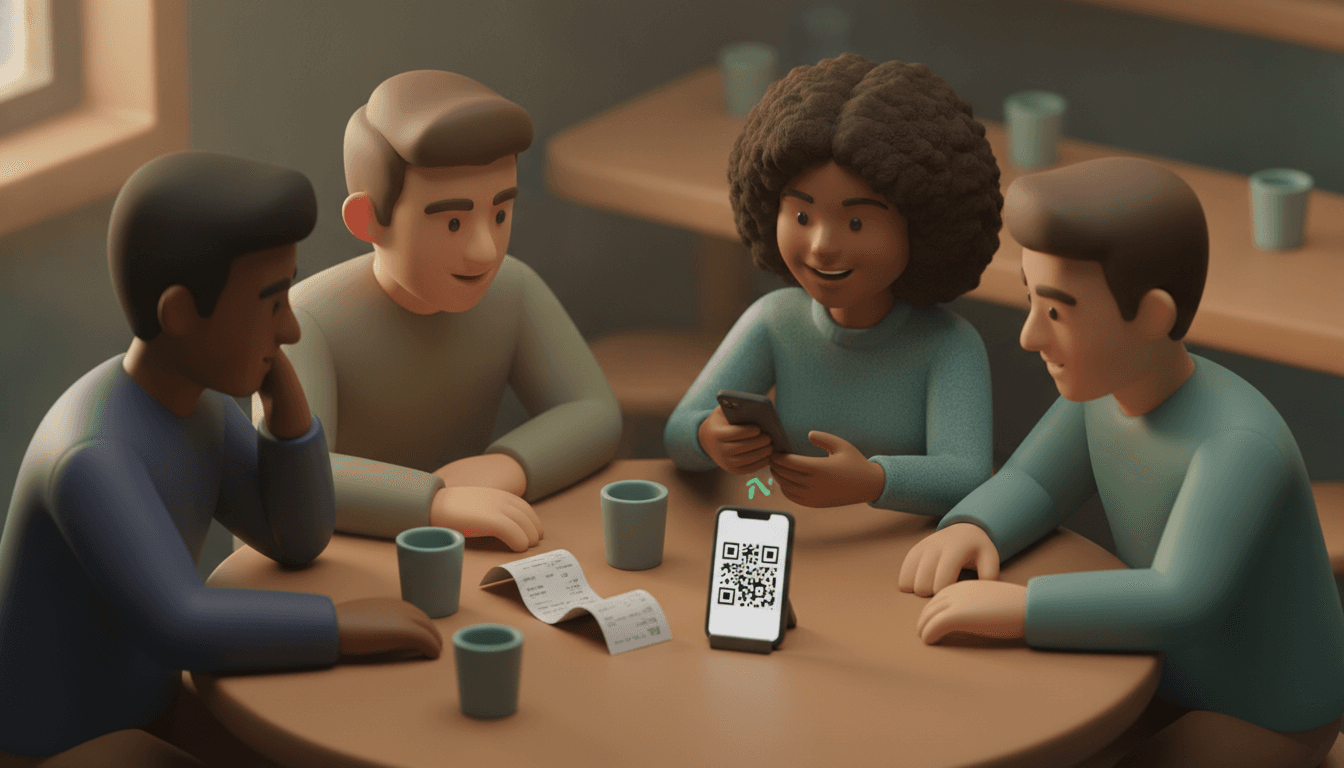
- Share and settle: send a private link to those who need to pay their share. The recipient immediately sees how much they owe without installing anything or creating an account.
Step 5 is where most apps lose people: they demand that even the laziest friend download the app, register, and confirm their email. A direct link opening in a browser eliminates that step and that excuse.
For those who want to dive deeper into the most common mistakes during this phase, it is worth reading our guide to splitting expenses without arguments and errors.
Best shared expense apps compared in 2026
There is no absolute best app: there is the app best suited for your scenario. A roommate has different needs than a group vacationing across three different countries. The table below compares the main approaches available today.
| Tool | Type | Key strength | Limitation to consider |
|---|---|---|---|
| Split The Bill | Browser web app | AI receipt scanning, private settlement links, Free plan with no credit card | Designed for informal groups, not complex business accounting |
| Splitwise | Native app + web | Sector pioneer, active since 2011, large user base | Free plan with daily limits on enterable expenses |
| Dividiamo | Italian web app | Up to 8 splitting methods, including breakdown by days present | More geared toward complex calculations than daily speed |
| Splid | Native app | Works offline, supports 150+ currencies, one-time purchase instead of subscription | No full web version for those who prefer not to install anything |
| Settle Up | Multi-platform app | Receipt photos, uneven payments, CSV export | Designed primarily for group travel, less for recurring household expenses |
If you want an even broader comparison among free tools without apps, you can find an in-depth look in our 2026 bill splitting sites comparison.
Shared expense apps vs. shared cards: two different philosophies
Shared expense apps and shared cards solve the same problem in two opposite ways: the former track a debt to be settled later, while the latter split payment the exact moment it happens. Understanding the difference prevents choosing the wrong tool for your situation.
Ledger-based tools, like most apps in this category, work like this: one person pays, the app records the debt, and the group arranges to settle later via instant bank transfer or a payment app. In Italy, this final step typically happens outside the app itself using tools like Satispay, PayPal, or instant SEPA.
Shared cards, on the other hand, are fintech products: they issue a virtual card linked to individual bank accounts and split the amount at the time of payment based on pre-set percentages. There is no debt to chase because everyone pays their share automatically, but it requires linking a real bank account, making this approach less ideal for informal expenses among friends, occasional loans, or cash payments.
The choice depends on usage: for fixed daily expenses among housemates, a shared card can simplify things greatly. For occasional groups, travel, dinners, or informal loans among friends, a debt ledger remains more flexible because it doesn't require everyone to link a bank account to the same tool.
How much do expense-splitting apps cost?
Most shared expense apps offer a basic free plan and a paid tier for advanced features like unlimited AI or data exporting. The detail that truly changes the user experience is how generous the free plan is, not the price of the paid tier.
Some historical tools have gradually made their free plan tighter over time, introducing daily caps on the number of expenses you can record before forcing a monthly subscription. Others monetize via a one-time purchase to unlock features like PDF or Excel exports instead of a recurring fee.
Split The Bill takes a different approach: the Free plan is designed to genuinely cover a group's daily use without asking for a credit card upon sign-up and without daily-resetting counters. The Pro plan adds a voice assistant and unlimited use of AI-powered features, such as advanced receipt scanning, for those managing multiple groups or higher expense volumes.
If you are comparing available free options, we have gathered the details on our dedicated page for free friends expense apps, 2026 comparison.
How to choose the right app for your group
Selecting the right tool depends on your scenario, not the number of features listed on a website. Before deciding, identify which of these four situations best describes your group:
- Roommates with recurring expenses: look for automated recurring expense management, customizable room or income shares, and a clear month-to-month history.
- Travel group: look for reliable multi-currency support, fast receipt scanning to log expenses on the fly, and the ability to settle without everyone using the same payment method.
- Couple: look for simplicity over advanced features, with a clear balance and the ability to set fixed monthly expenses without re-entering them every time.
- Dinner or occasional event organizer: look above all for the ability to have others pay without installing anything: a direct link beats any extra feature.
The primary choice criterion—even before price—should be your group's main obstacle, such as a friend who refuses to download yet another app. For a broader comparison across all available categories of tools, check out our comprehensive guide to expense-splitting apps.
Frequently asked questions
What is the difference between a shared expense app and a joint bank account?
A shared expense app tracks who owes what without moving money on its own: it calculates balances, and then the group pays via bank transfer or an external payment app. A joint account, however, is a genuine banking product where funds are physically shared from the start, along with all regulatory constraints that entails.
Are expense-splitting apps safe for bank data?
Most ledger apps require no bank connection: they only record amounts and names, never moving actual money. Fintech shared cards, conversely, require linking to a real account, so it's worth checking who manages that data and under what licenses before connecting an account.
Can I split a bill without the other person downloading an app?
Yes, with browser-based tools like Split The Bill: just send a private link and the person instantly sees how much they owe directly from their phone, without installing anything or creating an account. It is the most convenient solution when there's always that one person in the group who refuses to download yet another app.
How does AI receipt scanning work?
A photo of the receipt is analyzed to automatically recognize line items, prices, and totals so you don't have to type every item by hand. Recognition reduces transcription errors, but the final calculation of who owes what remains exact mathematical logic, not an AI approximation.
What are the most common methods for splitting a bill among friends?
The most widespread methods are four: splitting equally, by exact amounts declared by each person, by percentage or share, and item-by-item based on what everyone actually ordered or consumed. Some Italian apps also offer others, such as proportional allocation based on income or days spent at home.
Try splitting the next bill without installing anything
The next time you need to split rent, a dinner, or travel expenses, try doing it without sending messages, without convincing anyone to download an app, and without doing math by hand on paper. Split The Bill works right in your browser: snap a photo of the receipt, choose how to split, and send a link to whoever needs to pay their share. Two taps. No credit card required to start. No hidden traps in the free plan.
Quick FAQ
What is the difference between a shared expense app and a joint bank account?
A shared expense app tracks who owes what without moving money on its own: it calculates balances, and then the group pays via bank transfer or an external payment app. A joint account, however, is a genuine banking product where funds are physically shared from the start, along with all regulatory constraints that entails.
Are expense-splitting apps safe for bank data?
Most ledger apps require no bank connection: they only record amounts and names, never moving actual money. Fintech shared cards, conversely, require linking to a real account, so it's worth checking who manages that data and under what licenses before connecting an account.
Can I split a bill without the other person downloading an app?
Yes, with browser-based tools like Split The Bill: just send a private link and the person instantly sees how much they owe directly from their phone, without installing anything or creating an account. It is the most convenient solution when there's always that one person in the group who refuses to download yet another app.
How does AI receipt scanning work?
A photo of the receipt is analyzed to automatically recognize line items, prices, and totals so you don't have to type every item by hand. Recognition reduces transcription errors, but the final calculation of who owes what remains exact mathematical logic, not an AI approximation.
What are the most common methods for splitting a bill among friends?
The most widespread methods are four: splitting equally, by exact amounts declared by each person, by percentage or share, and item-by-item based on what everyone actually ordered or consumed. Some Italian apps also offer others, such as proportional allocation based on income or days spent at home.
Try Split The Bill — free
10 receipt-scanned bills/month, recurring expenses, multi-currency, and settle-up via Venmo / PayPal / Revolut.
Create a free accountRelated posts

The Right Splitwise Alternative Depends on Your Group
Hit Splitwise's daily limit? Compare the best Splitwise alternative options for trips, roommates, and dinners, then find your group's right fit.
- Apps
- Splitwise
- Splitting
Splitting expenses online: a practical 2026 guide
How to split expenses online without spreadsheets: division modes, settling up with fewer bank transfers, and friends who do not need to download apps. Check out the step-by-step guide.
- App
- Expenses
- Splitting

Expense-Splitting App for Friends: The 2026 Guide
Expense-splitting apps for friends in 2026: compare Tricount, Splitwise, Splid and Split The Bill, without forcing your friends to sign up. Try it for free.
- Splitwise
- App
- Application


