
Best App to Split Bills in 2026: Comparison
Discover the best app to split bills in 2026: we compare Splitwise, Tricount, Splid, and Cumbuca so you can settle up without awkwardness.

The best app to split bills is one that calculates the share automatically, without AI guesswork and without forcing anyone in the group to download yet another app. It works just as well for a restaurant bill, apartment rent, Saturday's barbecue, or a trip with six friends and three different currencies.
Split The Bill is a shared money web application made for friends, couples, roommates, and travelers in Brazil: it reads receipts and NFC-e QR codes, tracks group balances in real time, and sends payment links without requiring registration from those who just want to pay their own share.
This guide compares Splitwise, Tricount, Splid, Cumbuca, and Split The Bill side by side.
Key takeaways
- The free tier of Splitwise limits the number of entries per day (around 3 to 5), which pushes active groups toward the Pro subscription.
- Tricount does not require prior registration from all participants and imposes no daily limit on expenses, making it strong for casual groups.
- Splid works completely offline and converts over 150 currencies automatically, using a one-time purchase instead of a recurring subscription, according to the official Splid listing on the Google Play Store.
- Cumbuca is a Brazilian fintech regulated by the Central Bank via Open Finance, designed for couples and families who split real bills and Pix payments, rather than just tracking balances.
- Split The Bill reads receipts and NFC-e QR codes automatically and generates a private payment link without requiring other participants to create an account or install the app.
What makes a bill-splitting app "the best"?
There isn't a single perfect app: there is the right one for your group. Three criteria decide this in practice: how much friction it imposes on those who just want to pay their share, whether the calculation is deterministic or an AI estimate, and how much it costs in the long run.
Friction is the first filter. If half the group needs to create an account, confirm an email, and learn a new menu just to pay R$ 35, the app has already lost. Payment links without registration solve this.
The second filter is the math. Splitting equally, by weight (who consumed more pays more), or by percentage requires clear rules, not a rough estimate. A serious app uses AI to read the receipt (OCR), but calculates who owes what deterministically: leaving no room for "approximately."
The third filter is cost. A monthly subscription makes sense for those who use it every day; a one-time purchase or a robust free tier makes more sense for those who only split bills occasionally.
What is the best app to split bills in 2026?
For most Brazilian groups, the answer changes depending on the scenario: international travel calls for currency conversion and offline functionality, a shared apartment calls for recurring expenses, and a restaurant bill calls for quick receipt scanning. See how the main apps position themselves.
| App | Price | Do participants need to install? | Currencies | How it calculates settlement | Best for |
|---|---|---|---|---|---|
| Splitwise | Free with daily limit or Pro subscription | Recommended | Multiple, manual conversion | Accumulated balance per person | Long-term fixed groups |
| Tricount | Free, no daily limit | No, via link | Multiple with conversion | Real-time balance | Trips and casual groups |
| Splid | One-time purchase | Yes, for full use | 150+ currencies, offline | Minimum transactions algorithm | Trips without internet signal |
| Cumbuca | Free (regulated fintech) | Yes, bank account | Real | Joint Pix in real time | Couples and recurring household bills |
| Split The Bill | Free and Pro | No, private link without registration | Multiple currencies | Deterministic calculation + receipt/QR Code scan | Restaurant, apartment, trip, small business |
If your group changes with every event (today is a barbecue, next week is a birthday outing) it's worth checking out this comparison of bill-splitting apps with more details on each platform.
Splitwise, Tricount, Splid, or Cumbuca: which one to choose for each situation?
Each of these apps solves a specific problem well and gets stuck on another. Knowing the weak point before installing saves the frustration of switching tools mid-trip.
Splitwise is the oldest on the market, active since 2011, and is the only one with a full desktop web version, useful for those who prefer working from a computer. The problem appears in the free tier: the daily entry limit and ad breaks annoy groups that log multiple expenses a day, such as a shared apartment.
Tricount shines on short trips because no one needs to register before participating, just open the link. The limitation is that it was designed to track balances, not to process real payments inside the app; you still have to transfer money externally.
Splid is the right choice for anyone traveling to places without stable internet because it works 100% offline and calculates the minimum number of bank transfers needed to clear the group's debts. The one-time purchase appeals to those who don't want another subscription on their card statement.
Cumbuca follows another model: it's not a balance tracker, it's a real shared account. Because it is regulated by the Central Bank via Open Finance, the group can pay bills and make proportional joint Pix transfers in real time. It makes more sense for couples or families with fixed expenses than for splitting a casual round of drinks.
How to split a restaurant bill without making it awkward?
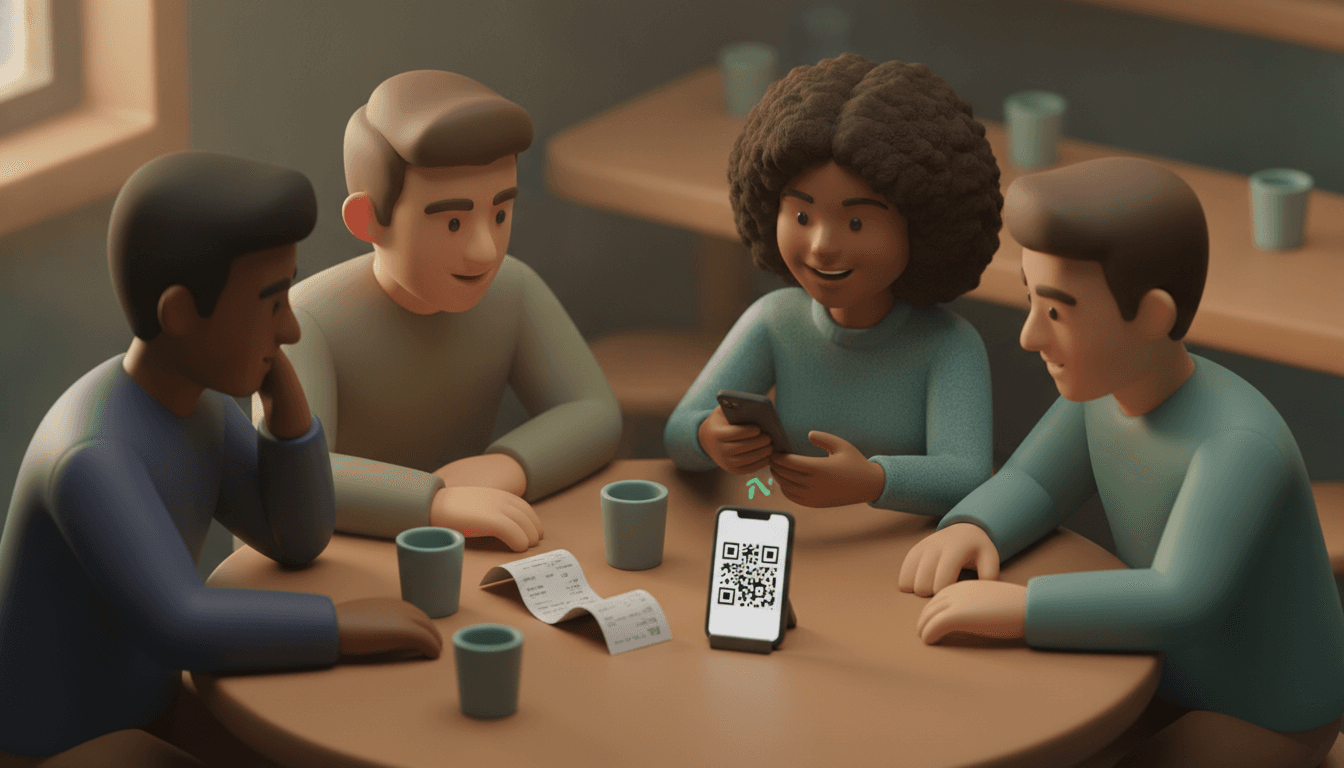
The fastest way to split a restaurant bill is to scan the receipt or the NFC-e QR code, let the app identify the items, and check off who ordered what, without typing item by item and without trusting anyone's mental estimate. See the step-by-step:
- Take a photo of the receipt or point the camera at the NFC-e QR code printed on the fiscal coupon.
- The app reads the items and values automatically, without manual item-by-item typing.
- Check off who consumed each item — including whoever only drank water and shouldn't pay for the table's wine.
- Choose how to split the service fee and cover charge: proportional to consumption or equal among everyone.
- Send the payment link to the group; those without the app installed pay just the same, without downloading anything.
Notice that reading the receipt uses image recognition (OCR), but calculating who owes what to whom is deterministic, not an AI estimate. It's simple math applied right, not a guess disguised as technology.
Roommate and rent expense splitting: what changes
Rent and household bills are different from a restaurant bill because they repeat every month and are rarely equal among roommates. A good app for a shared apartment needs to handle recurring expenses and unequal proportions — whoever gets the bigger room pays more, whoever moves out mid-month pays proportionally to the days.
Here, Splitwise's daily entry limit weighs more heavily than on a weekend trip, because a shared apartment logs electricity, internet, gas, cleaning service, and groceries practically every day. An app with a joint budget and automatic recurring expenses prevents anyone from having to recreate the same expense manually every month.
If you are the leaseholder and always end up chasing roommates on WhatsApp, it's worth checking out this guide on free apps for splitting bills among friends focused on those who share housing.
Group trips: how to simplify shared money without multiplying apps
On a trip, the problem is rarely calculating who owes what — it's reducing the number of transfers at the end of the trip and dealing with foreign currency without a spreadsheet. A good travel app converts currencies automatically and groups cross-debts into a few final transfers, instead of everyone paying everyone else.
Splid solves this part well because it runs offline and applies an algorithm that reduces the final settlement to the fewest possible bank transfers. Split The Bill follows a similar logic: real-time group balances and support for multiple currencies, but with the advantage of not forcing the reluctant friend to install anything — they receive a link, pay, and that's it.
The most common mistake on a trip is forcing the whole group to install a complex app before the first night out. This works with friends who already use technology daily, but gets stuck with the relative or colleague who just wants to sort out their Pix and move on with the trip. For groups like this, see more details in this complete guide to expense-splitting apps.
Frequently asked questions
What is the free app to split bills with no usage limit?
Tricount and Split The Bill's Free tier do not impose daily expense limits or require subscriptions for basic use. Splitwise, on the other hand, restricts the free plan to a few entries per day, which usually annoys groups with daily activity, such as a shared apartment.
Do my friends need to download the app to pay their share?
No, if you use a tool with a private payment link. On Split The Bill and Tricount, those who only need to pay their share access via a link, without creating an account or installing anything — registration only makes sense for those who want to track the group's history.
How does the app calculate who owes whom?
The calculation is deterministic math, not an artificial intelligence estimate: the app adds up what each person paid, subtracts what each person consumed, and simplifies the result into the fewest possible transfers. AI is only used for reading the receipt (OCR), never for the final debt amount.
Does the app work with Brazilian receipts and QR codes (NFC-e)?
Yes, apps prepared for the Brazilian market read the fiscal QR code (NFC-e) printed on the coupon and import items automatically, without manual typing. This is different from international apps that only photograph the receipt and try to guess the total without recognizing the Brazilian fiscal standard.
What is the difference between splitting expenses and having a joint account (finshare)?
Splitting expenses is tracking balances: everyone pays their bills and the app calculates who needs to reimburse whom at the end. Finshare, the model used by Cumbuca, is different: there is a real shared account, regulated by the Central Bank, and payment comes out of it proportionally for everyone, in real time.
Start splitting the bill without installing anything for your group
The right bill doesn't need to turn into a group debate on WhatsApp or a shared spreadsheet that no one updates. Scan the receipt or the NFC-e QR code, check off who ordered what, and send the payment link — those who don't use Split The Bill pay just the same, without downloading an app or creating an account.
The Free plan covers the essentials for restaurants, shared apartments, and trips. The Pro plan adds an AI chat and voice assistant, PDF invoices, and CSV export for those already managing multiple accounts at the same time. Test it with your next group before you become the official collection coordinator all over again.
Quick FAQ
What is the free app to split bills with no usage limit?
Tricount and Split The Bill's Free tier do not impose daily expense limits or require subscriptions for basic use. Splitwise, on the other hand, restricts the free plan to a few entries per day, which usually annoys groups with daily activity, such as a shared apartment.
Do my friends need to download the app to pay their share?
No, if you use a tool with a private payment link. On Split The Bill and Tricount, those who only need to pay their share access via a link, without creating an account or installing anything — registration only makes sense for those who want to track the group's history.
How does the app calculate who owes whom?
The calculation is deterministic math, not an artificial intelligence estimate: the app adds up what each person paid, subtracts what each person consumed, and simplifies the result into the fewest possible transfers. AI is only used for reading the receipt (OCR), never for the final debt amount.
Does the app work with Brazilian receipts and QR codes (NFC-e)?
Yes, apps prepared for the Brazilian market read the fiscal QR code (NFC-e) printed on the coupon and import items automatically, without manual typing. This is different from international apps that only photograph the receipt and try to guess the total without recognizing the Brazilian fiscal standard.
What is the difference between splitting expenses and having a joint account (finshare)?
[Splitting expenses](https://split-the-bill.app/blog/expense-splitting-app-the-complete-2026-guide) is tracking balances: everyone pays their bills and the app calculates who needs to reimburse whom at the end. Finshare, the model used by Cumbuca, is different: there is a real shared account, regulated by the Central Bank, and payment comes out of it proportionally for everyone, in real time.
Try Split The Bill — free
10 receipt-scanned bills/month, recurring expenses, multi-currency, and settle-up via Venmo / PayPal / Revolut.
Create a free accountRelated posts

The Right Splitwise Alternative Depends on Your Group
Hit Splitwise's daily limit? Compare the best Splitwise alternative options for trips, roommates, and dinners, then find your group's right fit.
- Apps
- Splitwise
- Splitting
Splitting expenses online: a practical 2026 guide
How to split expenses online without spreadsheets: division modes, settling up with fewer bank transfers, and friends who do not need to download apps. Check out the step-by-step guide.
- App
- Expenses
- Splitting

Expense-Splitting App for Friends: The 2026 Guide
Expense-splitting apps for friends in 2026: compare Tricount, Splitwise, Splid and Split The Bill, without forcing your friends to sign up. Try it for free.
- Splitwise
- App
- Application


